
ChatGPT Complete Guide: Everything Beginners Need to Know in 2026
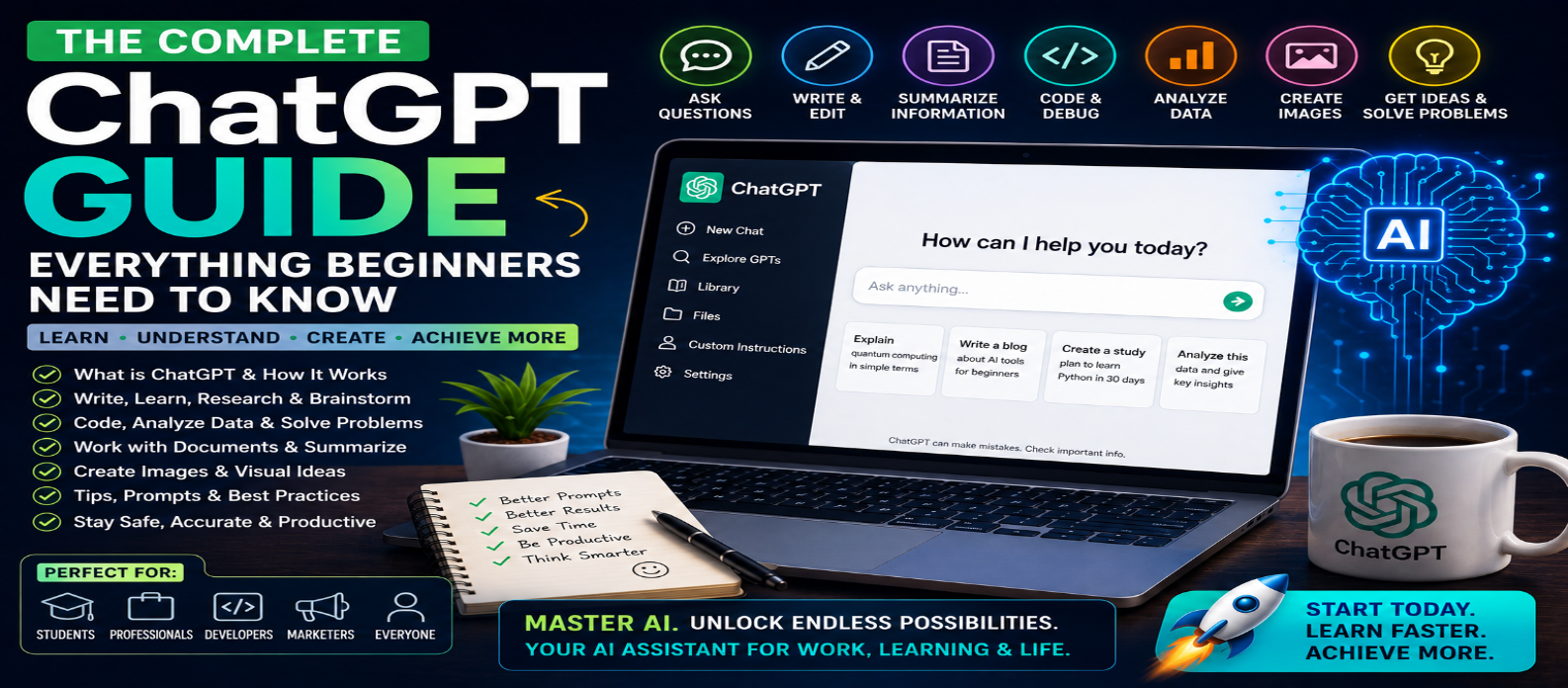
"Learn how to use ChatGPT with this complete beginner's guide for 2026. Discover what ChatGPT is, how prompts work, and how to use AI for writing, research, coding, documents, data, images, learning, and everyday productivity."
ChatGPT Complete Guide: Everything Beginners Need to Know
Artificial intelligence has changed how people search for information, write content, learn new skills, analyze documents, create images, work with data, develop software, and complete everyday tasks. At the center of this transformation is ChatGPT, an AI assistant designed to understand natural-language instructions and help users accomplish a wide variety of tasks.
For beginners, ChatGPT can initially seem like a simple chatbot. In reality, its usefulness depends heavily on what you ask, the context you provide, the tools available, and how carefully you review the results.
This complete beginner's guide explains what ChatGPT is, how it works, what you can do with it, how to write better prompts, and how to use AI safely and effectively in 2026.
What Is ChatGPT?
ChatGPT is an AI assistant developed by OpenAI that can understand instructions and generate responses in conversational language.
Instead of navigating complicated menus or learning programming commands, you can simply describe what you want.
For example:
"Explain cloud computing to me as a beginner and give me three real-world examples."
ChatGPT can understand the request and generate an explanation based on your instructions.
Depending on the features available to you, ChatGPT can assist with more than text-based conversations.
What Can You Do With ChatGPT?
ChatGPT can be useful across many everyday activities.
Common uses include:
- Asking questions
- Writing and editing
- Brainstorming ideas
- Summarizing information
- Learning new subjects
- Coding and debugging
- Planning projects
- Analyzing documents
- Working with data
- Generating images
- Research assistance
- Productivity tasks
The same AI assistant can therefore support students, developers, writers, marketers, business owners, researchers, and everyday users.
1. Ask Questions and Learn New Topics
One of the easiest ways to start using ChatGPT is to ask questions.
Instead of simply asking:
"What is JavaScript?"
you can make the request more useful:
"Explain JavaScript to a complete beginner using simple language, examples, and a 30-day learning roadmap."
You can also ask follow-up questions without restarting the entire conversation.
This makes ChatGPT useful for exploring unfamiliar subjects step by step.
2. Use ChatGPT for Writing
ChatGPT can help create or improve many types of written content.
Examples include:
- Emails
- Blog outlines
- Articles
- Product descriptions
- Social media posts
- Reports
- Headlines
- Website copy
- Business ideas
AI-generated content should generally be treated as a draft.
Review the final text for accuracy, originality, tone, factual claims, and relevance before publishing it.
3. Summarize Long Information
ChatGPT can help turn lengthy information into shorter, easier-to-understand summaries.
You can ask for:
Short Summary → Key Points → Action Items → Simple Explanation
For example:
"Summarize this document in 10 bullet points and list the five most important actions."
When accuracy matters, compare the summary with the original material.
4. Analyze Files and Documents
Where file capabilities are available, ChatGPT can help users work with documents and other supported files.
Possible tasks include:
- Summarizing documents
- Finding important information
- Comparing sections
- Explaining complicated passages
- Extracting key points
- Answering questions about uploaded material
This can save significant time when working with large reports, guides, or research documents.
5. Use ChatGPT for Coding
ChatGPT can assist both beginner and experienced developers.
You can use it to:
- Generate code
- Explain code
- Debug errors
- Refactor functions
- Create tests
- Learn programming
- Build website components
- Understand APIs
For example:
"Create a responsive pricing section using HTML and CSS. Explain the important parts afterward."
Never assume generated code is automatically correct or secure. Test and review it before using it in production.
6. Work With Data
ChatGPT can also help users understand datasets and spreadsheets when appropriate data-analysis features are available.
It can assist with:
- Organizing data
- Explaining formulas
- Finding patterns
- Calculating values
- Creating summaries
- Suggesting charts
- Cleaning information
- Interpreting results
Always verify important financial, scientific, or business calculations before making decisions.
7. Generate and Edit Images
Where image-generation capabilities are available, ChatGPT can help turn natural-language descriptions into visual content.
You might request:
"Create a modern 16:9 blog cover about artificial intelligence and web development with a dark futuristic background."
AI-generated images can be useful for:
- Blog covers
- Concept art
- Illustrations
- Marketing ideas
- Social media graphics
- Creative projects
Clear descriptions of the subject, composition, style, and format generally produce better results.
8. Use ChatGPT for Research
ChatGPT can help organize research, explain unfamiliar concepts, compare information, and—when web access is available—find current information.
A good research request might specify:
Topic + Time Period + Questions + Preferred Sources + Output Format
Remember that AI can make mistakes. Important information should be verified using trustworthy sources, particularly when dealing with rapidly changing topics.
9. What Is a Prompt?
A prompt is the instruction or information you give ChatGPT.
A basic prompt might be:
"Write about SEO."
A stronger prompt would be:
"Write a beginner-friendly 800-word guide explaining technical SEO. Use clear headings, practical examples, and a checklist. Avoid unnecessary technical jargon."
The second prompt provides significantly more direction.
10. How to Write Better ChatGPT Prompts
A useful prompt structure is:
Goal + Context + Requirements + Constraints + Output Format
For example:
"I'm creating a beginner web-development blog. Write a 700-word article explaining CSS Grid. Use simple language, include practical examples, use SEO-friendly headings, and finish with a short checklist."
You don't need complicated "prompt engineering" for every request.
Clear instructions usually matter more than unnecessarily elaborate prompts.
11. Improve Results With Follow-Up Prompts
You don't need to accept the first answer.
You can say:
- Make this simpler.
- Give me more examples.
- Shorten the introduction.
- Explain point five in detail.
- Turn this into a table.
- Rewrite this for beginners.
- Check the logic again.
ChatGPT works especially well as an iterative assistant.
Think of the first response as the beginning of the process rather than necessarily the final result.
12. Understand ChatGPT's Limitations
ChatGPT is powerful, but it isn't perfect.
AI can sometimes:
- Produce incorrect information
- Misunderstand ambiguous requests
- Generate outdated information without current sources
- Make calculation mistakes
- Create convincing but inaccurate explanations
- Miss important context
For important decisions, use AI to assist your reasoning—not replace appropriate professional expertise or authoritative sources.
13. Protect Your Privacy
Be careful about what information you provide to any AI service.
Avoid unnecessarily sharing:
- Passwords
- Banking credentials
- Private API keys
- Confidential business information
- Sensitive personal records
- Customer information
Before using AI for workplace data, understand your organization's policies and the privacy controls available to you.
14. Best ChatGPT Uses for Beginners
If you're just starting, try using ChatGPT for five everyday tasks:
Learn Something → Improve Writing → Summarize Information → Brainstorm Ideas → Solve a Practical Problem
Once you're comfortable, explore more advanced uses involving documents, data, coding, images, research, and multi-step workflows.
15. ChatGPT Beginner Workflow
A simple workflow is:
Ask → Review → Follow Up → Verify → Improve → Use
The review and verify stages are especially important.
The goal isn't to let AI think about everything for you. The goal is to use AI to help you understand faster, create efficiently, explore possibilities, and reduce repetitive work.
Conclusion
ChatGPT is much more than a chatbot. In 2026, it can function as a flexible AI assistant for learning, writing, research, coding, documents, data analysis, images, planning, and everyday productivity.
Beginners don't need complicated technical knowledge to get started.
Start with a clear request. Add relevant context. Tell ChatGPT what kind of result you want. Ask follow-up questions. Most importantly, review and verify important outputs.
A simple formula can dramatically improve your experience:
Clear Prompt + Relevant Context + Follow-Up Questions + Human Verification = Better AI Results
Learning how to communicate effectively with AI is becoming an increasingly useful digital skill—and understanding ChatGPT is an excellent place to start.