
Core Web Vitals Explained: Complete Guide for Website Owners
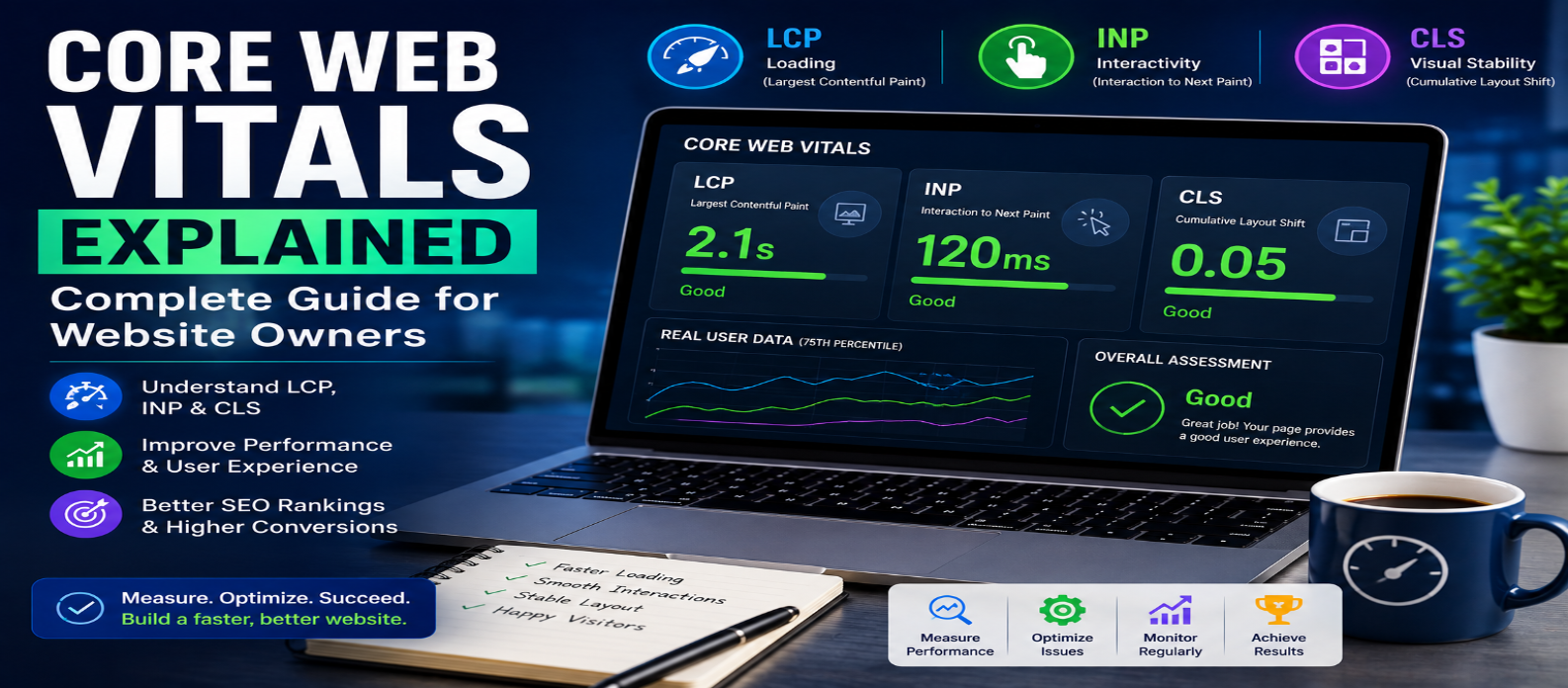
"Learn what Core Web Vitals mean in 2026, why LCP, INP, and CLS matter for your website, how to measure them, and practical ways to improve website performance and user experience."
Core Web Vitals Explained: Complete Guide for Website Owners
A fast and user-friendly website is essential for businesses, bloggers, e-commerce stores, and website owners in 2026. Visitors expect pages to load quickly, respond smoothly, and remain stable while they browse.
This is where Core Web Vitals come in. Developed by Google, Core Web Vitals are user-focused performance metrics that measure important aspects of the web experience: loading, responsiveness, and visual stability.
Understanding these metrics can help website owners identify performance problems and create a better experience for visitors.
What Are Core Web Vitals?
Core Web Vitals are currently made up of three key metrics:
- LCP (Largest Contentful Paint) – Measures loading performance.
- INP (Interaction to Next Paint) – Measures responsiveness to user interactions.
- CLS (Cumulative Layout Shift) – Measures visual stability.
Google recommends evaluating these metrics at the 75th percentile of page visits, separately for mobile and desktop users. A page should meet the recommended "good" threshold for all three metrics to provide a strong Core Web Vitals experience.
1. Largest Contentful Paint (LCP)
LCP measures how quickly the main content of a page becomes visible. This is usually a large image, video, heading, or significant block of text within the viewport.
LCP targets:
- Good: 2.5 seconds or less
- Needs improvement: More than 2.5 seconds up to 4 seconds
- Poor: More than 4 seconds
A slow LCP can be caused by slow server response times, large images, render-blocking resources, redirects, or inefficient frontend code.
How to improve LCP
Optimize your main images, improve server response time, use caching and a CDN where appropriate, reduce render-blocking resources, and prioritize the resources required to display the main content.
2. Interaction to Next Paint (INP)
INP measures how responsive a page is when visitors interact with it. It considers qualifying interactions throughout the user's visit and focuses on how quickly the page can provide visual feedback after an interaction.
INP targets:
- Good: 200 milliseconds or less
- Needs improvement: More than 200 ms up to 500 ms
- Poor: More than 500 ms
Heavy JavaScript execution is a common cause of poor responsiveness.
How to improve INP
Reduce unnecessary JavaScript, break up long tasks, optimize event handlers, minimize third-party scripts, and avoid doing excessive work on the browser's main thread.
3. Cumulative Layout Shift (CLS)
CLS measures unexpected movement of visible content while a page loads or changes. For example, a visitor may try to click a button only for an advertisement or image to load and move the button somewhere else.
CLS targets:
- Good: 0.1 or less
- Needs improvement: More than 0.1 up to 0.25
- Poor: More than 0.25
How to improve CLS
Reserve space for images, advertisements, videos, and embedded content. Always specify image dimensions where possible and avoid inserting unexpected content above existing content. Web fonts can also contribute to layout shifts and should be handled carefully.
Why Core Web Vitals Matter for Website Owners
Core Web Vitals provide a practical way to understand how real users experience your website. A website that loads quickly, responds smoothly, and remains visually stable is easier and more enjoyable to use.
Performance can also support broader website goals such as engagement, conversions, accessibility, and search visibility. However, Core Web Vitals should not be treated as a shortcut to higher rankings. Google evaluates pages using many signals, so website owners should prioritize the overall quality and usefulness of their websites.
How to Measure Core Web Vitals
Website owners can use tools such as Google PageSpeed Insights, Lighthouse, Chrome DevTools, and Google Search Console to investigate performance.
It is important to use both lab data and real-user data. Lab testing is useful for development and debugging, while field data reflects actual visitor experiences across different devices, networks, and usage patterns.
Practical Core Web Vitals Checklist
To improve your website's Core Web Vitals:
- Optimize large images and videos.
- Improve server response time.
- Reduce unnecessary JavaScript and CSS.
- Minimize third-party scripts.
- Use caching and a CDN when appropriate.
- Reserve space for images and embeds.
- Optimize web fonts.
- Test mobile performance regularly.
- Monitor real-user performance.
- Fix the biggest performance problems first.
Conclusion
Core Web Vitals give website owners a clear framework for improving the real-world user experience. In 2026, understanding LCP, INP, and CLS is valuable for anyone responsible for a website.
Focus on the fundamentals: deliver important content quickly, make interactions responsive, and prevent unexpected layout movement. Measure your website regularly, prioritize the issues affecting real users, and continue improving as your website grows.
A website that performs well is not just technically optimized—it provides visitors with a faster, smoother, and more trustworthy experience.