
Google Analytics 4: Complete Beginner's Guide for 2026
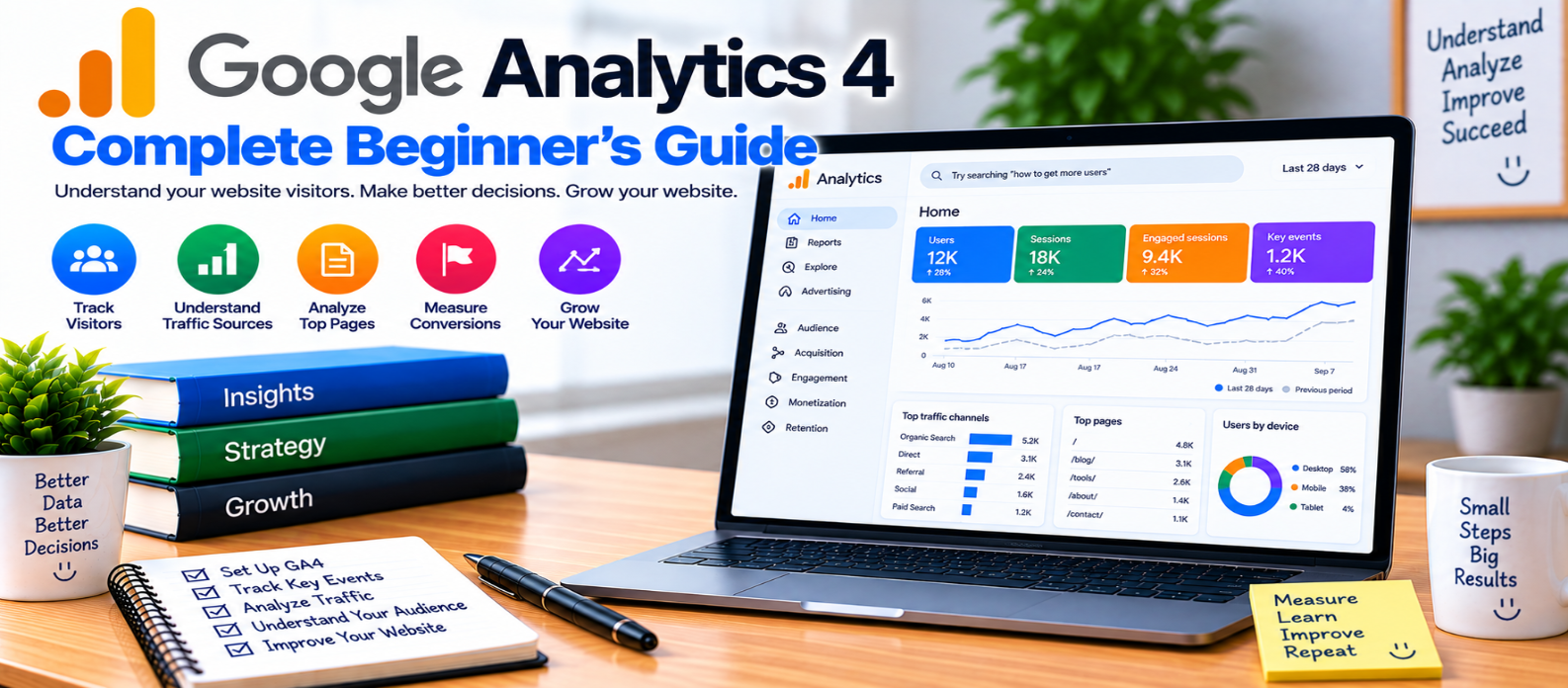
"Learn Google Analytics 4 from the basics, including properties, data streams, events, users, sessions, acquisition, landing pages, engagement, key events, reports, Explorations, SEO analysis, and practical GA4 measurement."
Google Analytics 4: Complete Beginner's Guide
Knowing how many people visit your website is useful, but good analytics goes much further.
Where did visitors come from? Which pages did they view? Did they interact with important features? Did they return later? Did they complete an action that matters to your website?
Google Analytics 4 (GA4) helps website and app owners answer questions like these by collecting and organizing interaction data.
For beginners, the interface can initially feel overwhelming. The easiest approach is to understand a few core concepts first and expand from there.
What Is Google Analytics 4?
Google Analytics 4 is Google's current analytics platform for measuring activity across websites and apps.
GA4 uses an event-based data model.
Conceptually:
User Visits Website
       ↓
Interactions Occur
       ↓
Events Are Collected
       ↓
GA4 Processes Data
       ↓
Reports & Analysis
Events can represent actions such as viewing a page, starting a session, clicking certain elements, making a purchase, or completing another configured action.
Understand the GA4 Structure
Before analyzing reports, understand the basic setup.
Account
An account is the higher-level container for your analytics configuration.
Property
A property contains measurement data for a particular business or digital presence.
Data Stream
A data stream sends data from a source such as a website or app into a GA4 property.
A simplified website setup looks like:
Google Analytics Account
          ↓
      GA4 Property
          ↓
    Web Data Stream
          ↓
       Website
Configure this structure carefully so you know exactly which website or app is sending data.
What Are Events in GA4?
Events are central to GA4.
Common automatically collected or configured interactions can include activities such as:
page_view
session_start
first_visit
Additional measurement features may capture other interactions depending on your configuration.
You can also implement custom events for actions important to your website.
For example, a tools website might want to understand when someone:
Opens Tool
    ↓
Uploads File
    ↓
Processes File
    ↓
Downloads Result
Don't track everything simply because you can. Track interactions that help answer meaningful questions.
Users vs Sessions
These two metrics describe different things.
Users
Users represent people or devices interacting with your website according to GA4's measurement and identity methods.
Sessions
A session represents a period of user interaction with your website or app.
One user can generate multiple sessions.
For example:
Visitor
  ↓
Monday Session
  +
Thursday Session
  +
Sunday Session
Therefore, don't expect user and session counts to match.
Understand Views and Engagement
A view represents a page or screen being viewed.
A single visitor may view several pages during one session:
Homepage
   ↓
Blog Article
   ↓
SEO Tool
   ↓
Another Article
GA4 also provides engagement-related measurements that can help you understand whether visitors meaningfully interact with your website.
Don't judge a page using one metric alone. A visitor may get the answer they need quickly and leave, while another page may naturally require a longer interaction.
Context matters.
Where Does Your Traffic Come From?
Acquisition reports help you understand how visitors reached your website.
Traffic may come from sources such as:
- Organic search
- Direct visits
- Referral websites
- Social platforms
- Advertising campaigns
- Email campaigns
GA4 uses concepts such as source, medium, and channel groups to organize acquisition data.
For example:
Search Engine
      ↓
Organic Search
      ↓
Landing Page
      ↓
Visitor Interaction
Understanding acquisition helps you identify which marketing and discovery channels actually bring visitors.
User Acquisition vs Traffic Acquisition
These reports answer different questions.
User Acquisition focuses on how users were initially acquired.
Traffic Acquisition focuses on traffic at the session level.
This distinction becomes important when someone discovers your website through one channel but returns later through another.
Don't compare metrics across reports without understanding their scope.
What Are Landing Pages?
A landing page is the page where a session begins.
For a blog-driven website, common landing pages might include:
/blog/keyword-research-guide/
/blog/website-speed-guide/
/tools/image-compressor/
Landing-page analysis can help answer:
- Which pages attract visitors?
- Which channels send traffic to them?
- What happens after visitors arrive?
- Do those visitors complete important actions?
This is particularly useful when evaluating SEO content.
Track Important Actions
Not every event has equal business importance.
Suppose your website's meaningful actions include:
- Account registration
- Tool completion
- Form submission
- Purchase
- Subscription
- Important download
GA4 allows important events to be identified for conversion-focused measurement. Depending on the interface and reporting terminology you encounter, you'll commonly see these important actions referred to as key events.
Choose them based on real website goals.
Don't mark dozens of trivial interactions as important simply to produce larger numbers.
Use Realtime Reports Carefully
Realtime reporting helps you see recent activity on your website.
It can be useful for checking whether tracking appears to be working after implementation.
For example:
Open Website
     ↓
Perform Test Action
     ↓
Check Realtime Activity
However, realtime data isn't a replacement for longer-term analysis.
SEO and content decisions should normally use meaningful periods rather than a few minutes of activity.
Understand Reports
GA4 provides predefined reports covering areas such as:
- Acquisition
- Engagement
- User attributes
- Technology
- Events
- Landing pages
Start with a question before opening reports.
Instead of:
"What can I find in Analytics?"
ask:
"Which blog pages brought the most organic sessions this month?"
A specific question makes analytics far more useful.
Use Explorations for Deeper Analysis
Explorations provide more flexible ways to investigate data beyond standard reports.
You can use them to examine relationships between dimensions and metrics, build funnels, analyze paths, and create custom views.
Beginners don't need to master Explorations immediately.
First become comfortable with:
Users
Sessions
Views
Events
Acquisition
Landing Pages
Key Events
Then move into more advanced analysis.
Connect Analytics With SEO Thinking
GA4 and Google Search Console answer different questions.
Search Console helps you understand:
Search Queries
Impressions
Search Clicks
Search Visibility
GA4 helps you understand more about:
Visitors
Sessions
Landing Pages
Interactions
Important Actions
Used together, they can help you understand the journey from search visibility to on-site behavior.
Don't expect the numbers in both platforms to match exactly because they measure different things using different methodologies.
Respect Privacy and Consent Requirements
Analytics implementation also has privacy implications.
Depending on your visitors, jurisdiction, tracking configuration, and technologies used, you may need appropriate disclosures, consent mechanisms, data controls, or retention settings.
Don't assume installing analytics code is the only step.
Review what you collect and configure measurement according to the legal and privacy requirements applicable to your website.
Common GA4 Beginner Mistakes
Avoid:
- Tracking data without defining goals
- Assuming users and sessions are the same
- Marking every event as important
- Making decisions from realtime data alone
- Ignoring internal or test traffic where relevant
- Comparing reports with different scopes incorrectly
- Expecting GA4 and Search Console numbers to match
- Collecting unnecessary custom data
- Ignoring privacy requirements
- Changing tracking without testing afterward
Beginner GA4 Checklist
After setting up GA4, verify:
-
Correct property is being used
-
Website data stream is configured
-
Data is being received
-
Important pages generate expected views
-
Core events are understood
-
Important actions are identified
-
Acquisition channels are reviewed
-
Landing pages are monitored
-
Organic traffic is analyzed
-
Realtime is used mainly for appropriate checks
-
Tracking changes are tested
-
Privacy requirements are considered
-
Reports are tied to specific questions
-
Longer-term trends are reviewed
Conclusion
Google Analytics 4 becomes much easier when you stop trying to understand every report at once.
Start with a simple flow:
Visitor Arrives
      ↓
Where Did They Come From?
      ↓
What Did They View?
      ↓
What Did They Do?
      ↓
Did They Complete an Important Action?
Learn users, sessions, events, acquisition, landing pages, and key events first. Then expand into custom events, explorations, funnels, and more advanced analysis as your needs grow.
The purpose of analytics isn't to collect the largest possible amount of data. It's to collect useful information that helps you understand your audience and make better website decisions.
Get a Free Access To 200+ Free Tools:
|
Home Page |
|
|
Calculator Tools |
|
|
Text & Converter Tools |
|
|
PDF & Image Tools |
|
|
Games & Developer Tools |
|
|
Resume Builder |