
How to Build a Professional Website From Scratch in 2026: Complete Step-by-Step Guide
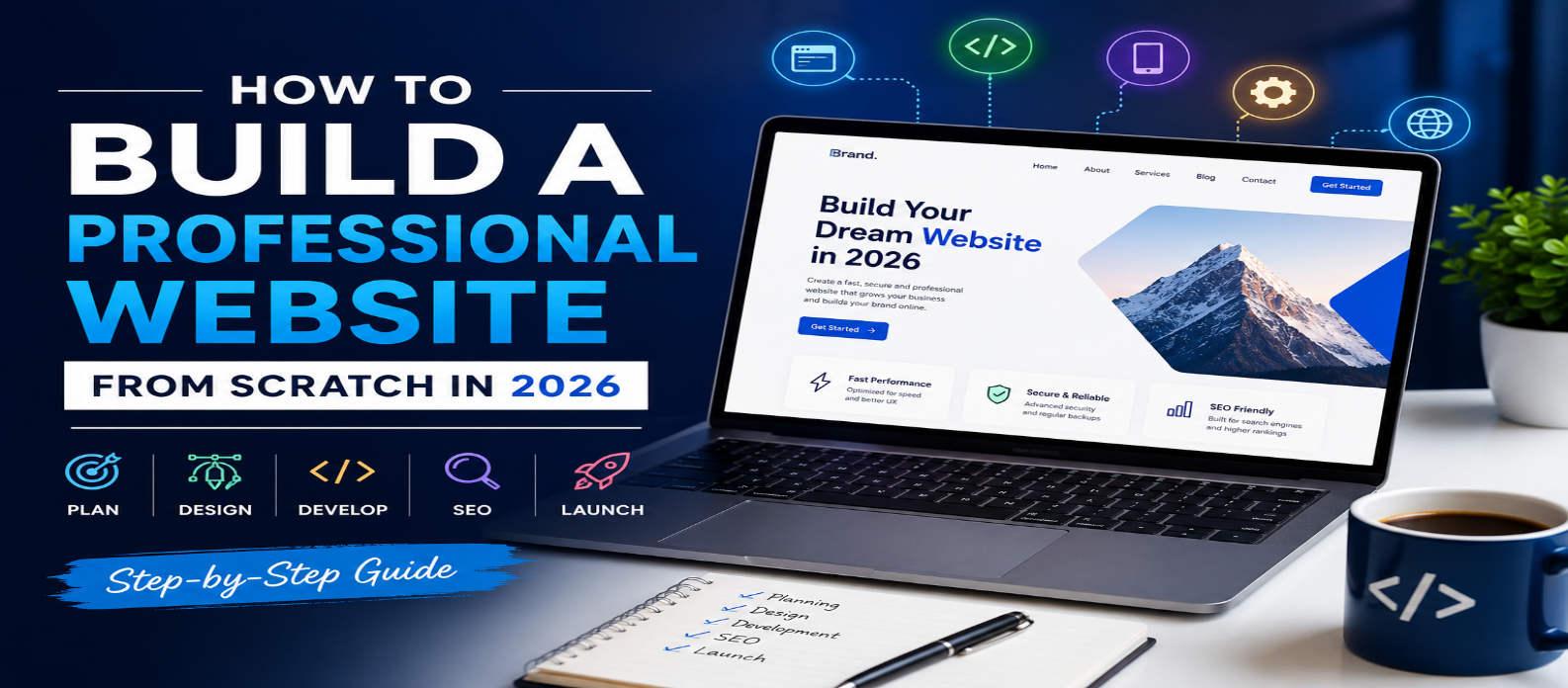
"Learn how to build a professional website from scratch in 2026. This beginner-friendly guide covers planning, domain selection, hosting, design, SEO, mobile optimization, security, and website launch."
How to Build a Professional Website From Scratch in 2026
Building a professional website is easier than ever in 2026. Whether you want to create a business website, personal portfolio, blog, online store, or professional service website, you can build a modern site without being an expert programmer.
However, a professional website requires more than attractive design. It should be fast, mobile-friendly, secure, easy to navigate, and optimized for search engines.
Here is a step-by-step guide to building a professional website from scratch.
1. Define Your Website's Purpose
Before choosing a domain or designing your website, decide what you want it to achieve.
Ask yourself:
- Is it a business website?
- Do you want to publish a blog?
- Are you selling products or services?
- Do you need an online portfolio?
- Do you want to generate leads or collect inquiries?
Your goal will determine the website structure, features, content, and technology you need.
2. Choose a Domain Name
Your domain name is your website's online address. Choose something short, memorable, relevant, and easy to spell.
For example, a technology website could use a name related to web development, software, AI, or digital tools.
Whenever possible, choose a .com domain because it is widely recognized and easy for users to remember.
Avoid:
- Long domain names
- Complicated spellings
- Excessive hyphens
- Unnecessary numbers
- Trademarked names
3. Select Reliable Web Hosting
Web hosting stores your website's files and makes them accessible online.
When choosing hosting in 2026, look for:
- Good server performance
- SSL support
- Reliable uptime
- Automatic backups
- Scalable resources
- Security features
- Easy website management
For a small website, basic shared hosting may be sufficient. Larger websites may benefit from cloud or managed hosting.
4. Choose the Right Website Platform
You don't necessarily need to code everything from scratch.
Popular options include:
- WordPress for blogs and content-driven websites
- Website builders for beginners
- Shopify for e-commerce
- Custom HTML, CSS, and JavaScript for complete control
- Modern frameworks for advanced web applications
Choose a platform based on your technical skills, budget, and website requirements.
5. Create a Professional Design
Your website design creates the first impression.
Keep your design simple, clean, and consistent. Use a limited color palette, readable typography, high-quality images, and clear navigation.
A basic professional website may include:
- Home
- About
- Services or Products
- Blog
- Contact
- Privacy Policy
- Terms and Conditions
Avoid filling every page with unnecessary animations, pop-ups, or visual effects.
6. Make Your Website Mobile-Friendly
Mobile optimization is essential because many visitors access websites through smartphones.
Use a responsive design that automatically adapts to different screen sizes.
Check:
- Text readability
- Button sizes
- Navigation menus
- Image scaling
- Page spacing
- Forms
- Loading speed
Always test your website on both desktop and mobile devices before launch.
7. Optimize Website Speed
A slow website can increase bounce rates and create a poor user experience.
Improve performance by:
- Compressing images
- Using modern image formats
- Minimizing unnecessary scripts
- Enabling caching
- Reducing excessive plugins
- Using a reliable hosting provider
- Optimizing CSS and JavaScript
A lightweight website generally provides a better experience for visitors and search engines.
8. Add SEO-Friendly Content
Search engine optimization (SEO) helps your website appear in search results.
For every important page, create a clear title, useful content, descriptive URL, and relevant meta description.
Use your primary keyword naturally throughout the content rather than stuffing keywords repeatedly.
Also consider:
- Internal links
- Descriptive image alt text
- Proper headings
- Search-friendly URLs
- Helpful original content
- Structured data where appropriate
9. Secure Your Website
Website security should be a priority from the beginning.
Install an SSL certificate so your website uses HTTPS. Keep your CMS, themes, plugins, and software updated.
You should also use strong passwords, regular backups, security monitoring, and appropriate access controls.
10. Test Everything Before Launch
Before publishing your website, test every important feature.
Check:
- All links
- Contact forms
- Navigation
- Images
- Mobile layout
- Page speed
- HTTPS
- Browser compatibility
- 404 pages
- SEO settings
Ask someone unfamiliar with the website to navigate it. Their feedback can reveal usability problems you may have overlooked.
11. Launch and Continue Improving
Once everything works correctly, connect your domain and launch your website.
But launching is only the beginning. Monitor traffic, search performance, user behavior, and technical issues. Regularly publish useful content and update outdated pages.
Final Thoughts
Building a professional website from scratch in 2026 doesn't require advanced technical knowledge. With the right domain, hosting, platform, design, content strategy, SEO, performance optimization, and security practices, you can create a website that looks professional and provides a great user experience.
Start with a clear purpose, keep the design simple, focus on valuable content, and continuously improve your website after launch. A well-planned website can become a powerful asset for your personal brand, business, or online project.