
How to Increase Organic Traffic to Your Website: Practical SEO Guide
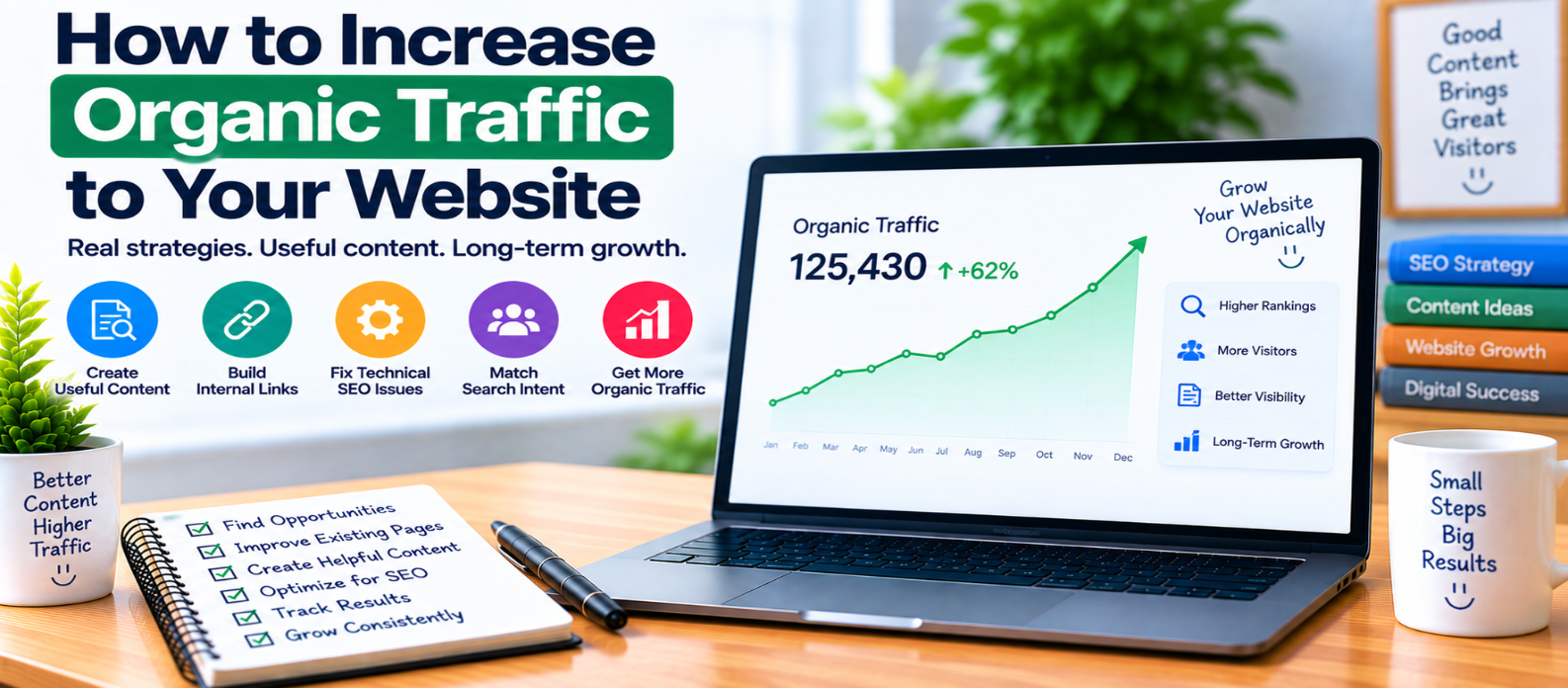
"Learn how to increase organic traffic by finding existing search opportunities, matching search intent, improving useful content, strengthening internal links, fixing technical SEO barriers, updating outdated pages, and measuring what actually works."
How to Increase Organic Traffic to Your Website
Increasing organic traffic isn't simply about publishing more pages. A website can contain hundreds of articles and still struggle to attract search visitors if those pages don't satisfy search intent, aren't easily discoverable, or compete with one another.
A more effective approach is to understand where your current search opportunities are, improve pages that already have potential, and create new content only when it serves a clear purpose.
Here's a practical process.
1. Understand Where Your Organic Traffic Comes From
Before trying to increase traffic, establish what already works.
Review search performance and identify:
- Pages receiving organic clicks
- Queries generating impressions
- Pages gaining or losing visibility
- High-impression pages with relatively few clicks
- Important pages receiving almost no search exposure
Suppose a tutorial receives impressions for:
how to compress images
reduce website image size
optimize images for web
Those queries reveal what searchers associate with the page.
Use this information to improve the article rather than guessing what people want.
2. Find Pages With Existing Potential
New content isn't always the fastest opportunity.
An existing page may already appear in search but need improvement.
Look for pages that:
- Receive impressions but limited clicks
- Rank for relevant queries but don't fully answer them
- Contain outdated information
- Have weak titles or introductions
- Lack useful examples
- Cover several topics too superficially
For example:
Existing article:
"JavaScript Fetch API"

Missing useful sections:
→ Error handling
→ POST requests
→ JSON responses
→ async/await example
Improving genuinely missing information can make the page more useful without creating another competing article.
3. Target Specific Search Intent
Traffic becomes valuable when your content matches what people actually searched for.
Consider these searches:
"what is robots.txt"
"how to create robots.txt"
"robots.txt tester"
The first suggests educational intent, the second needs instructions, and the third may require a tool.
Don't force all search terms into the same content format.
Build pages around the task the visitor wants to complete.
4. Create Content Around Real Problems
A sustainable content strategy answers questions relevant to your website's audience.
For a web-tools website, that might include problems such as:
- Compressing images
- Formatting JSON
- Generating secure passwords
- Checking website performance
- Understanding HTTP status codes
- Converting file formats
A useful structure could be:
Useful Tool
   ↕
How-To Guide
   ↕
Troubleshooting Article
   ↕
Related Technical Guide
This creates meaningful connections between tools and educational content instead of publishing unrelated articles solely for traffic.
5. Build Topic Depth Without Creating Duplicates
Covering a subject thoroughly doesn't mean publishing multiple pages that answer essentially the same question.
For example:
Website Performance
├── Core Web Vitals
├── Image Optimization
├── Browser Caching
├── Lazy Loading
└── JavaScript Performance
Each page has a distinct purpose while supporting a broader subject.
Before creating a new article, check whether an existing page already satisfies the same search intent.
If it does, improving that page may be better than creating another one.
6. Strengthen Internal Linking
Pages that cannot be easily discovered through your own website are harder for both visitors and crawlers to find.
Add contextual links between genuinely related pages.
For example:
Technical SEO Guide
      ↓
XML Sitemap Guide
      ↓
Indexing Guide
      ↓
Search Console Guide
Also look for orphan pages—useful pages with few or no internal links pointing to them.
Don't create dozens of forced links. A smaller number of relevant links is more useful than excessive linking.
7. Improve Search Titles
A page can receive search impressions without earning many clicks.
One possible reason is that its title doesn't clearly communicate what the page provides.
Compare:
Vague:
Everything About JavaScript
Specific:
JavaScript Fetch API: Complete Beginner's Guide
Keep titles accurate. Don't use misleading claims simply to increase clicks.
Remember that search engines may display a different title or snippet depending on the query.
8. Improve Content That Has Become Outdated
Technical content can age quickly.
Periodically review important pages for:
- Obsolete instructions
- Deprecated APIs
- Old screenshots
- Broken examples
- Changed interfaces
- Missing newer features
- Incorrect recommendations
Updating a page should mean making it meaningfully better, not simply changing the publication date.
9. Fix Technical Barriers
Excellent content cannot perform well in organic search if search engines cannot properly access or understand it.
Check important pages for problems involving:
robots.txtnoindex- Canonical URLs
- Broken internal links
- Redirect chains
- Server errors
- XML sitemaps
- Duplicate URLs
- Mobile usability
For example, an accidentally added:
<meta name="robots" content="noindex">can prevent a page from being indexed regardless of how useful its content is.
10. Improve Page Experience
Visitors may abandon a page if it is frustrating to use.
Pay attention to:
- Loading performance
- Mobile layout
- Readable typography
- Stable page elements
- Navigation
- Intrusive overlays
- Image optimization
Performance improvements should focus on real user experience rather than chasing a perfect score for its own sake.
11. Earn Attention With Content Worth Referencing
Links and mentions are more likely when a page provides something genuinely useful.
Examples include:
- Free tools
- Original calculators
- Detailed technical explanations
- Useful templates
- Well-designed visual guides
- Original research or data, when you genuinely have it
Don't invent statistics, surveys, tests, or research to make content appear authoritative.
12. Measure Results and Repeat
Organic growth is an ongoing process.
A useful cycle is:
Measure
   ↓
Find Opportunity
   ↓
Improve
   ↓
Publish
   ↓
Monitor
   ↓
Learn
   ↺
Track changes in impressions, clicks, queries, landing pages, engagement, and relevant conversions over meaningful periods.
Avoid making major conclusions from a single day's movement.
Organic Traffic Growth Checklist
Use this regularly:
-
Identify pages already getting impressions
-
Improve pages with genuine content gaps
-
Match content to search intent
-
Create content around audience problems
-
Avoid duplicate search intent
-
Strengthen relevant internal links
-
Improve unclear titles
-
Update genuinely outdated information
-
Check indexing and crawlability
-
Improve mobile usability and performance
-
Create resources worth referencing
-
Measure results before making conclusions
Conclusion
Organic traffic growth rarely comes from one SEO trick.
A stronger strategy is:
Understand Demand
      ↓
Find Existing Opportunities
      ↓
Create Better Answers
      ↓
Connect Related Content
      ↓
Remove Technical Barriers
      ↓
Measure and Improve
Focus on attracting the right visitors, not simply increasing a traffic number.
When your website consistently solves relevant problems, makes useful pages easy to discover, and improves based on real search performance, organic growth becomes the result of a stronger website rather than a collection of short-term SEO tactics.
Get a Free Access To 200+ Free Tools:
|
Home Page |
|
|
Calculator Tools |
|
|
Text & Converter Tools |
|
|
PDF & Image Tools |
|
|
Games & Developer Tools |
|
|
Resume Builder |