
How to Rank a New Website on Google: Complete SEO Guide
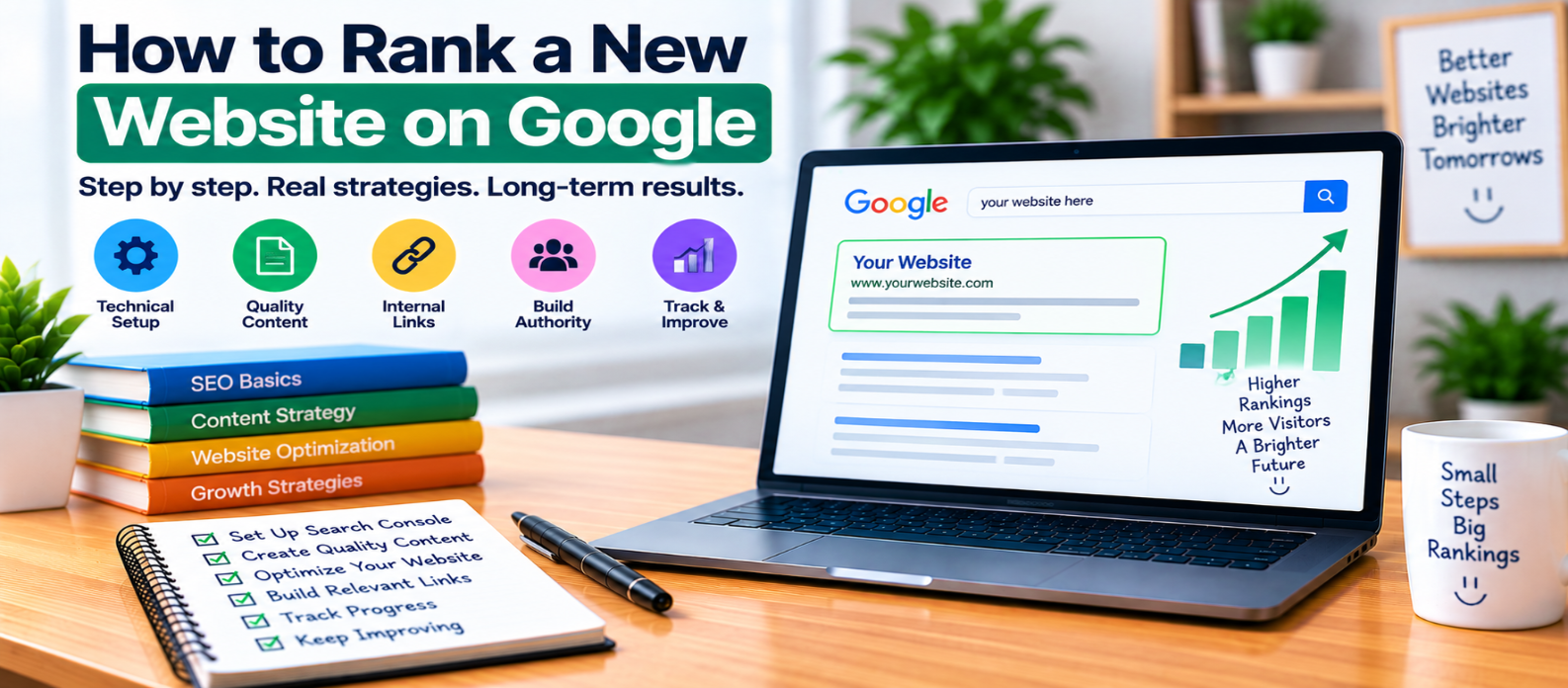
"Learn how to build search visibility for a new website with crawlable pages, Search Console, XML sitemaps, clear site structure, search-intent-focused content, internal links, technical SEO, useful resources, and ongoing performance improvement."
How to Rank a New Website on Google
Launching a website is easy compared with earning consistent visibility in Google Search.
A new domain usually begins with little search history, few references from other websites, and a limited amount of content for search engines to understand. There is no switch that instantly produces rankings.
The practical approach is to build a website that is crawlable, useful, focused, technically sound, and worth returning to.
Here is where to start.
1. Make Sure Google Can Access the Website
Before thinking about rankings, make sure important pages can actually be crawled.
Check for common launch problems such as:
- Password protection
- Server errors
- Accidental
noindexdirectives - Important URLs blocked in
robots.txt - Broken navigation
- Incorrect redirects
- Wrong canonical URLs
For example, an important page containing:
<meta name="robots" content="noindex">is telling search engines not to index it.
SEO improvements cannot compensate for a page that is intentionally excluded from indexing.
2. Set Up Google Search Console
Search Console helps you understand how Google interacts with your website.
After verifying your site, you can use it to monitor:
- Indexing
- Search queries
- Impressions
- Clicks
- Sitemap processing
- Individual URLs
- Crawl and page-related issues
For a new website, this is especially useful because you don't need to guess whether Google has discovered a particular page.
3. Create and Submit an XML Sitemap
An XML sitemap provides a structured list of URLs you want search engines to know about.
A simple sitemap might contain:
/tools/
/blog/
/javascript-guide/
/image-compressor/
/seo-checklist/
Include URLs that are canonical and suitable for indexing.
Submitting the sitemap through Search Console can help Google discover URLs, but sitemap submission does not guarantee indexing or ranking.
4. Build a Clear Website Structure
Don't make important pages difficult to reach.
A logical structure could look like:
Homepage
   │
   ├── Tools
   │    ├── Image Tools
   │    └── Developer Tools
   │
   └── Blog
        ├── SEO
        ├── JavaScript
        └── Web Development
Visitors should be able to understand where they are and how related sections connect.
Good architecture also gives search engines clearer paths for discovering pages.
5. Start With Specific Search Problems
A new website doesn't need to cover every possible topic immediately.
Start with questions closely connected to the site's purpose.
Instead of only targeting something extremely broad such as:
SEOyou might create useful resources around more specific needs:
how to create an XML sitemap
what is a canonical URL
how to optimize website images
how to check if a page is indexed
Specific topics often make it easier to understand exactly what the searcher needs and create a focused answer.
6. Match Every Page to Search Intent
Consider:
"what is JSON"The visitor probably wants an explanation.
But:
"JSON formatter"suggests they want to perform a task.
The first query may deserve an educational article. The second may be better served by a working tool.
Don't force an article onto a search where another format solves the problem better.
7. Create Genuinely Useful Pages
Publishing large numbers of shallow articles doesn't automatically make a new website authoritative.
A useful page should accomplish its purpose.
Depending on the topic, that may require:
- A direct answer
- Clear instructions
- Working examples
- Code snippets
- Screenshots
- Troubleshooting
- Comparisons
- A practical tool
- A checklist
Avoid stretching a simple answer into a long article merely to increase word count.
Depth should come from usefulness, not filler.
8. Build Topical Connections
Related content can help visitors explore a subject in greater depth.
For example:
Technical SEO
      ↓
Crawling
      ↓
Indexing
      ↓
XML Sitemaps
      ↓
Canonical URLs
Each article should still have its own purpose.
Avoid creating multiple pages that answer essentially the same query with slightly different titles. That can create unnecessary duplication and make your content strategy harder to manage.
9. Use Internal Links Strategically
When publishing a new page, identify existing pages that should naturally reference it.
For example, a guide to Core Web Vitals might link to deeper resources about:
- LCP
- INP
- CLS
- Image optimization
- JavaScript performance
Internal links should help readers move logically through your website.
Use descriptive anchor text rather than repeatedly using vague phrases such as click here.
10. Make Pages Fast and Mobile-Friendly
New websites should establish good technical habits early.
Check:
- Mobile layouts
- Image sizes
- Unnecessary JavaScript
- Font loading
- Caching
- Layout shifts
- Server performance
- HTTPS
- Navigation usability
Don't optimize solely to achieve a perfect performance score.
Prioritize a fast, stable, usable experience for real visitors.
11. Give Other Websites a Reason to Mention You
Links and mentions can help people and search engines discover your website, but earning them begins with creating something worth referencing.
Examples include:
- Free tools
- Original calculators
- Detailed tutorials
- Useful templates
- Technical reference pages
- Original research when you genuinely have data
Avoid buying low-quality links or manufacturing fake endorsements.
A useful resource has a better foundation for earning legitimate attention.
12. Watch What Google Shows You
Once the website begins appearing in search, actual query data becomes valuable.
Suppose a page receives impressions for:
compress images for website
reduce image file size
website image optimization
You now have evidence about how people are finding that page.
Ask whether the existing content properly addresses those needs.
Improve genuine gaps instead of automatically creating three additional articles.
13. Don't Expect a Fixed Ranking Timeline
There is no universal number of days required for a new website to rank.
Results can vary based on the query, competition, content, website quality, discovery, links, technical accessibility, and many other factors.
Be cautious of promises such as:
Rank a brand-new website #1 in 7 days.
A more useful goal is consistent progress:
Crawled
   ↓
Indexed
   ↓
Impressions
   ↓
Relevant Queries
   ↓
Clicks
   ↓
Ongoing Improvement
New Website SEO Checklist
Before expecting search growth, check:
-
Important pages are crawlable
-
Search Console is configured
-
XML sitemap is submitted
-
Canonicals are correct
-
Site architecture is clear
-
Search intent matches each page
-
Content solves specific problems
-
Related pages are internally linked
-
Mobile experience works properly
-
Important pages load efficiently
-
Duplicate content is controlled
-
Search performance is monitored
-
Existing pages are improved when needed
Conclusion
Ranking a new website isn't about finding a hidden Google shortcut.
A stronger process is:
Build Correctly
      ↓
Make Pages Discoverable
      ↓
Solve Specific Search Needs
      ↓
Connect Related Content
      ↓
Earn Genuine Recognition
      ↓
Measure Search Performance
      ↓
Improve Continuously
Start by making the website technically accessible. Then create pages that deserve to appear when someone searches for the problems you solve.
Search visibility is an outcome. Building a useful, understandable, trustworthy website is the work that comes first.
Get a Free Access To 200+ Free Tools:
|
Home Page |
|
|
Calculator Tools |
|
|
Text & Converter Tools |
|
|
PDF & Image Tools |
|
|
Games & Developer Tools |
|
|
Resume Builder |