
How to Write SEO-Friendly Blog Posts: Complete Guide for 2026
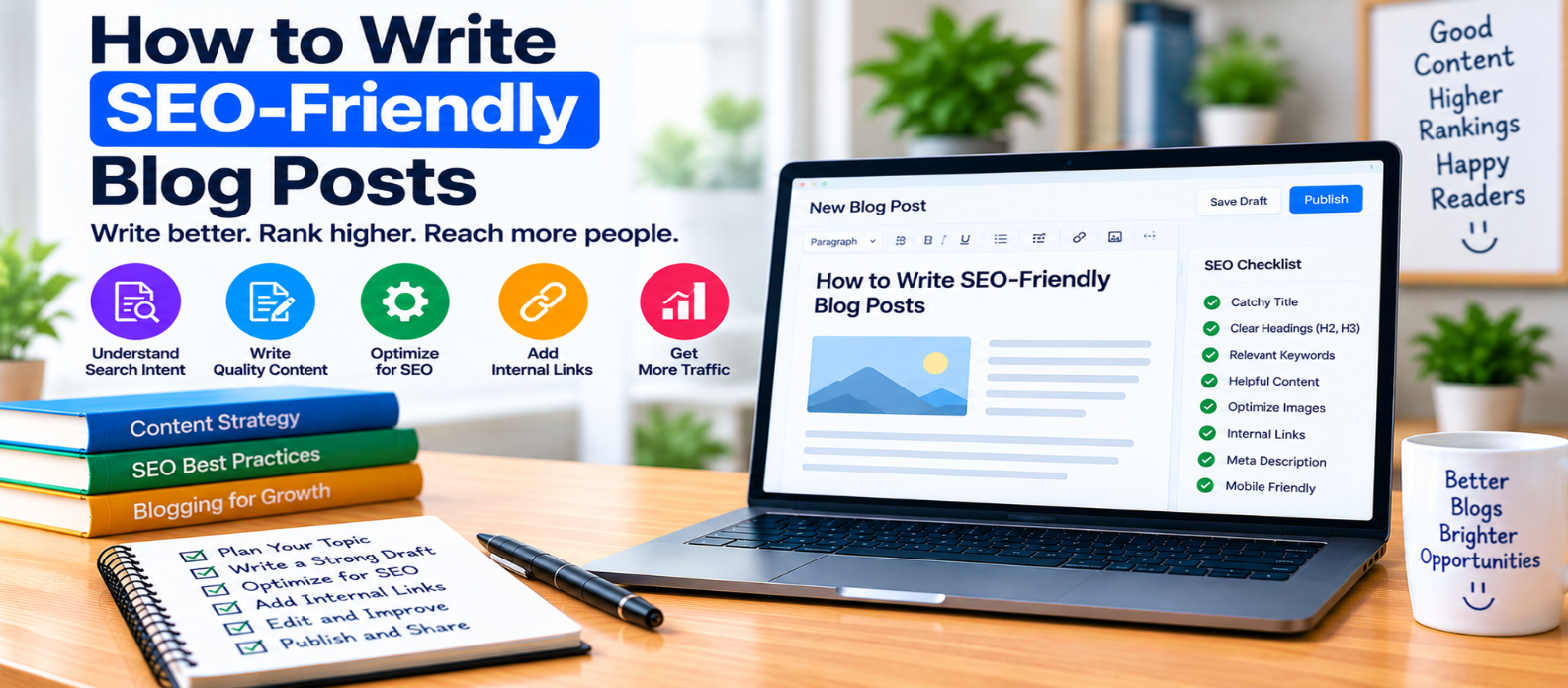
"Learn how to write SEO-friendly blog posts by understanding search intent, creating clear outlines, using keywords naturally, covering important subtopics, adding practical examples, improving readability, removing filler, and optimizing content before publishing."
How to Write SEO-Friendly Blog Posts
An SEO-friendly blog post shouldn't sound as though it was written around a list of keywords.
The strongest approach is simpler: understand what the reader wants, answer it clearly, cover the important parts of the topic, and structure the writing so people can quickly find what they need.
SEO then supports the writing instead of controlling it.
1. Know What the Reader Wants Before Writing
Start with search intent.
Someone searching:
what is browser cacheprobably wants a clear explanation.
Someone searching:
how to clear browser cachewants instructions.
And someone searching:
browser cache vs server cacheexpects a comparison.
These topics are related, but the ideal articles are different.
Before drafting, write one sentence describing the reader's goal:
After reading this article, the reader should understand how browser caching works and why websites use it.
That sentence helps keep the post focused.
2. Choose a Clear Primary Topic
Avoid trying to target every related keyword in one article.
If you're writing about CSS Flexbox, naturally related sections might include:
- Flex containers
- Main and cross axes
justify-contentalign-items- Gaps
- Common layouts
A complete JavaScript tutorial doesn't belong in the same article simply because JavaScript is also related to web development.
Depth is useful. Unfocused expansion isn't.
3. Write the Main Answer Early
Don't make readers work through a long introduction before receiving an answer.
For a post titled What Is a CDN?, you could begin with a direct explanation:
A content delivery network (CDN) is a distributed network of servers that can deliver cached website resources from locations closer to users.
You can then explain caching, edge locations, performance, limitations, and implementation.
Think:
Direct Answer
     ↓
Explanation
     ↓
Examples
     ↓
Practical Details
This structure works particularly well for educational content.
4. Write a Descriptive H1
Your main heading should accurately describe the article.
For example:
Good:
How to Improve Website Loading Speed
Less useful:
The Ultimate Secret to a Lightning-Fast Website
Creative titles aren't automatically bad, but clarity should not be sacrificed for curiosity.
Readers should immediately understand what the page offers.
5. Build Headings Around Reader Questions
Before writing paragraphs, create a simple outline.
For an article about lazy loading:
What Is Lazy Loading?
How Does Lazy Loading Work?
Which Resources Should Be Lazy-Loaded?
When Should You Avoid Lazy Loading?
How Does It Affect LCP?
Common Lazy-Loading Mistakes
Each heading should move the reader toward a better understanding of the topic.
Avoid adding headings simply because they contain another keyword.
6. Use Keywords Naturally
Suppose your primary topic is image optimization for websites.
You may naturally discuss:
image compression
responsive images
WebP
AVIF
lazy loading
image dimensions
LCP
These terms help explain the subject.
You don't need to repeatedly write:
image optimization for websites
in every section.
There is no useful reason to damage readability to achieve an arbitrary keyword density.
7. Cover Important Subtopics
A short article isn't automatically better, and a long article isn't automatically more comprehensive.
The important question is:
Did you cover what the reader reasonably needs?
For example, a beginner's HTTPS guide may need to explain:
- HTTP vs HTTPS
- TLS
- Certificates
- Encryption
- Authentication
- Browser connections
- Common misconceptions
If an essential part is missing, add it.
If a section exists only to increase word count, remove it.
8. Add Practical Examples
Examples make technical information easier to understand.
Instead of writing:
Use descriptive anchor text.
show the difference:
<!-- Less descriptive -->
<a href="/css-grid/">Click here</a>

<!-- More descriptive -->
<a href="/css-grid/">Learn CSS Grid</a>
For different topics, useful examples might include:
- Code snippets
- Before-and-after comparisons
- Sample URLs
- Workflows
- Checklists
- Realistic scenarios
Never invent personal tests, results, or experience just to make an article appear more authoritative.
9. Keep Paragraphs Focused
Large walls of text are difficult to scan, especially on phones.
Try to make each paragraph communicate one main idea.
Instead of packing definitions, examples, warnings, and instructions into one enormous block, separate them logically.
Use lists when readers genuinely benefit from scanning several related items.
Good readability isn't about making every sentence short. It is about making the information easy to follow.
10. Use Internal Links in Context
When a related article can help the reader go deeper, link to it naturally.
For example:
Website Performance Guide
        ↓
Core Web Vitals
        ↓
LCP Guide
        ↓
Image Optimization
Don't insert unrelated internal links merely to increase link counts.
The reader should understand why following the link would be useful.
11. Write for Featured Answers Without Writing Like a Robot
Some questions can be answered especially clearly with definitions, steps, lists, or tables.
For example:
What is a canonical URL?
Give a concise answer first.
Then explain:
- Why canonicals are used
- How to implement them
- Self-referencing canonicals
- Common mistakes
This helps readers find quick answers while preserving deeper information for those who need it.
Don't artificially turn every paragraph into a definition just to chase search-result features.
12. Make Claims Carefully
SEO writing should be accurate rather than overly confident.
Avoid statements such as:
Following these 10 steps will guarantee a #1 Google ranking.
No legitimate writing technique can guarantee a particular organic ranking.
Prefer specific, supportable explanations:
Clear structure can make an article easier for readers and search engines to understand.
Accuracy builds more value than exaggerated promises.
13. Edit Out Generic Filler
After completing the draft, look for sentences that sound impressive but provide little information.
For example:
In today's ever-evolving digital landscape, SEO has become more important than ever before.
Ask whether removing the sentence changes anything.
If not, remove it.
Replace generic filler with definitions, examples, instructions, or useful context.
14. Optimize After Writing
Don't interrupt every sentence to think about SEO.
First produce a useful draft. Then review:
- Title
- H1
- Headings
- Search intent
- URL
- Keyword usage
- Internal links
- Image alt text
- Meta description
- Mobile readability
This separates writing for people from the final optimization process.
SEO Writing Checklist
Before publishing, check:
-
Search intent is clear
-
Article has one primary purpose
-
Main answer appears early
-
Title accurately describes the post
-
Headings follow a logical sequence
-
Important subtopics are covered
-
Keywords appear naturally
-
Examples add practical value
-
Paragraphs are easy to scan
-
Internal links are relevant
-
Claims are accurate
-
Generic filler is removed
-
Repetitive sections are removed
-
Content works on mobile
-
Final SEO review is complete
Conclusion
A useful SEO writing process looks like:
Understand Intent
       ↓
Define the Main Answer
       ↓
Create a Logical Outline
       ↓
Write for the Reader
       ↓
Add Examples and Depth
       ↓
Remove Filler
       ↓
Optimize and Publish
Don't measure the quality of an SEO blog post by how many times its keyword appears.
Measure it by whether someone searching for that topic can find the answer, understand it, trust the information, and use what they learned.
When the writing accomplishes that—and the page is structured clearly—SEO optimization becomes a natural part of good publishing rather than a layer of artificial wording.
Get a Free Access To 200+ Free Tools:
|
Home Page |
|
|
Calculator Tools |
|
|
Text & Converter Tools |
|
|
PDF & Image Tools |
|
|
Games & Developer Tools |
|
|
Resume Builder |