
HTML5 Explained: The Complete Guide to Modern HTML in 2026
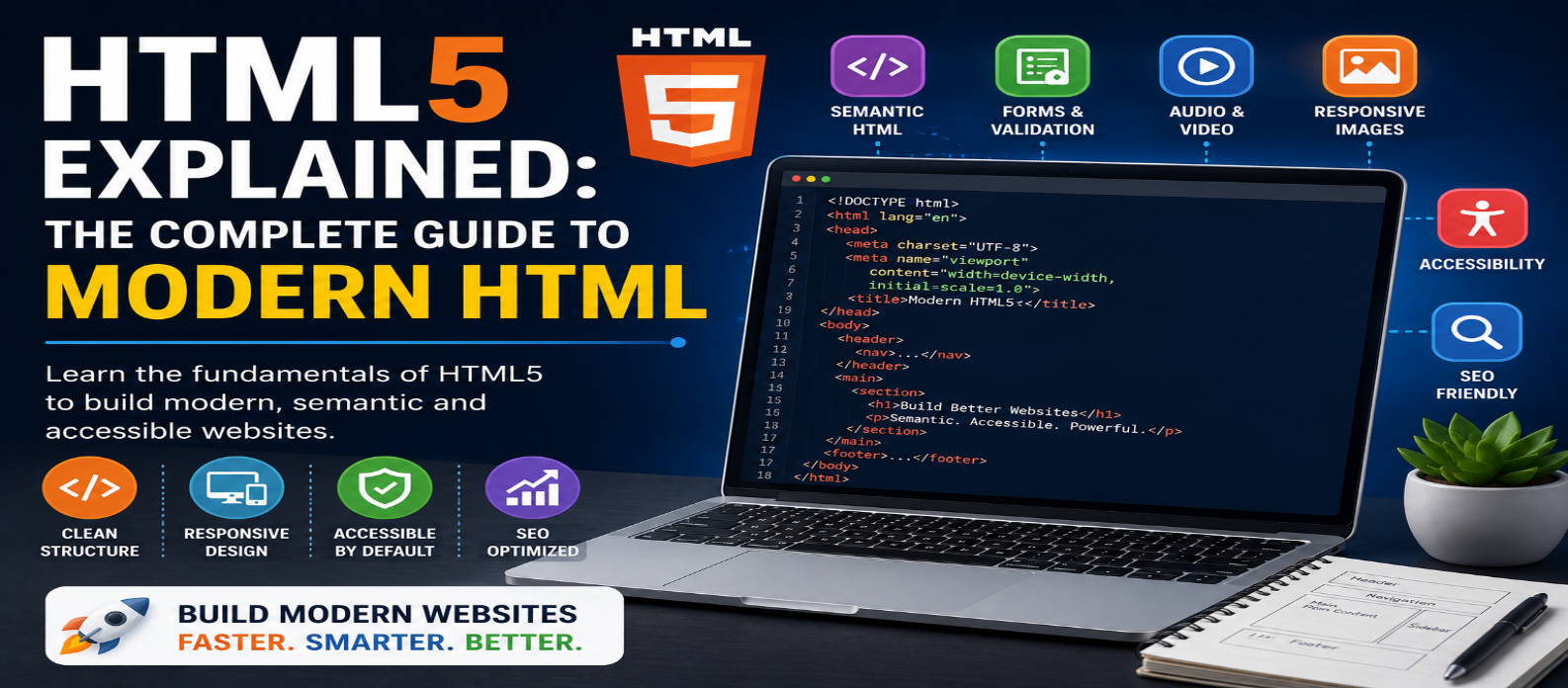
"Learn modern HTML5 in 2026 with practical examples covering semantic HTML, forms, images, multimedia, accessibility, SEO, page structure, and essential HTML best practices."
HTML5 Explained: The Complete Guide to Modern HTML in 2026
Every website begins with structure. Headlines, paragraphs, navigation menus, images, forms, videos, buttons, and page sections all need to be represented in a way browsers can understand. HTML provides that foundation.
HTML5 introduced many capabilities associated with modern web development, including semantic elements, native audio and video, improved forms, graphics-related elements, and APIs that reduced dependence on older plugins and markup patterns.
Today, developers generally work with the continuously evolving HTML Living Standard, but “HTML5” remains a widely recognized term for modern HTML.
This guide explains the essential HTML concepts every beginner and web developer should understand in 2026.
What Is HTML5?
HTML stands for HyperText Markup Language. It is the standard markup language used to describe the structure and meaning of content on web pages.
HTML is not a programming language. Instead, it uses elements to identify what different pieces of content represent.
For example:
<h1>Learn Modern HTML</h1>
<p>This is a paragraph of content.</p>
The <h1> identifies the primary heading, while <p> represents a paragraph.
A useful way to understand web development is:
HTML = Structure and Meaning
CSS = Presentation
JavaScript = Behavior and Interactivity
These technologies work together to create modern websites.
The Basic Structure of an HTML Document
A modern HTML page can start with surprisingly little code:
<!doctype html>
<html lang="en">
<head>
  <meta charset="utf-8">
  <meta name="viewport" content="width=device-width, initial-scale=1">
  <title>My Website</title>
</head>
<body>
  <h1>Hello, World!</h1>
  <p>My first modern HTML page.</p>
</body>
</html>
Let's understand the important parts.
<!doctype html> tells the browser to use standards mode for an HTML document.
<html> is the root element.
<head> contains page metadata and resources.
<body> contains the page content users interact with.
This simple foundation can scale into extremely sophisticated web applications.
Semantic HTML: Give Content Meaning
One of the most important principles of modern HTML is semantic markup.
Instead of constructing an entire website from generic <div> elements, developers can use elements that describe the purpose of different sections.
Common semantic elements include:
<header>
<nav>
<main>
<section>
<article>
<aside>
<footer>
A simple blog layout might look like:
<header>Website Header</header>

<nav>Main Navigation</nav>

<main>
  <article>
    <h1>Article Title</h1>
    <p>Article content...</p>
  </article>
</main>

<footer>Website Footer</footer>
Semantic HTML can improve code clarity and provides meaningful structure that can benefit accessibility and machine interpretation.
Headings Matter More Than Their Size
HTML provides six heading levels:
<h1>Primary Heading</h1>
<h2>Main Section</h2>
<h3>Subsection</h3>
Headings should represent the logical hierarchy of the document rather than being selected simply because of their visual size.
Use CSS to control appearance.
For example, don't choose <h4> because you want smaller text. Choose it when the content actually represents the appropriate heading level.
A well-organized article might use:
H1 → Article Title
H2 → Major Sections
H3 → Topics Within Those Sections
This makes long pages easier to navigate and understand.
Links: The Foundation of the Web
HTML links connect pages and resources.
<a href="/tools">Explore Our Tools</a>Links can point to:
- Other pages
- Files
- Page sections
- Email addresses
- External resources
Use descriptive anchor text whenever possible.
Better:
<a href="/html-guide">Read the HTML beginner guide</a>Less descriptive:
<a href="/html-guide">Click here</a>Good link text helps users understand where a link leads before selecting it.
Modern Images
The basic image element is:
<img src="developer.jpg"
     alt="Developer working on a website"
     width="800"
     height="500">
The alt attribute provides a text alternative when appropriate and is important for accessibility.
Modern HTML also supports responsive image techniques through elements and attributes such as:
<picture>
<source>
srcset
sizes
These can help browsers choose an appropriate image based on factors such as viewport size or supported formats.
For performance, specifying image dimensions can also help reduce unexpected layout movement.
Native Audio and Video
Modern HTML supports multimedia without requiring legacy browser plugins.
Video
<video controls>
  <source src="tutorial.mp4" type="video/mp4">
</video>
Audio
<audio controls>
  <source src="podcast.mp3" type="audio/mpeg">
</audio>
Developers can add multiple sources where necessary and provide appropriate alternatives such as captions or transcripts.
HTML Forms
Forms allow websites to collect user input.
A basic form could be:
<form>
  <label for="email">Email Address</label>
  <input type="email" id="email" name="email" required>

  <button type="submit">Subscribe</button>
</form>
Modern HTML provides useful input types such as:
email
url
number
date
time
range
color
These communicate the expected type of information and can improve browser behavior and built-in validation.
However, browser-side validation should not replace server-side validation for submitted data.
Why Labels Are Important
Avoid relying entirely on placeholders to describe form fields.
Instead of:
<input type="text" placeholder="Your name">prefer a proper label:
<label for="name">Your Name</label>
<input type="text" id="name" name="name">
Labels help users understand inputs and are particularly important for assistive technologies.
Accessibility should be considered during development rather than added only after a website is complete.
Useful Modern HTML Elements
Modern HTML includes several elements that developers sometimes recreate unnecessarily with JavaScript.
Details and Summary
Create expandable content:
<details>
  <summary>What is HTML?</summary>
  <p>HTML structures content on the web.</p>
</details>
Progress
Represent task progress:
<progress value="70" max="100">70%</progress>Dialog
HTML includes a <dialog> element for dialog interfaces:
<dialog>
  <p>Welcome!</p>
  <button>Close</button>
</dialog>
JavaScript is generally used to control opening and closing behavior.
Before building a custom component from scratch, check whether HTML already provides a suitable native element.
HTML Tables
Tables are appropriate for tabular data, not general page layouts.
<table>
  <thead>
    <tr>
      <th>Language</th>
      <th>Purpose</th>
    </tr>
  </thead>

  <tbody>
    <tr>
      <td>HTML</td>
      <td>Structure</td>
    </tr>
  </tbody>
</table>
Use CSS Grid or Flexbox for page layout rather than constructing layouts with tables.
HTML and Accessibility
Good HTML provides a strong accessibility foundation.
Useful practices include:
- Use semantic elements
- Add meaningful image alternatives
- Label form fields
- Maintain logical heading structure
- Use real buttons for actions
- Use links for navigation
- Specify the document language
- Keep keyboard interaction in mind
For example, this:
<button>Download Report</button>is generally preferable to turning an unrelated element into something that merely behaves like a button.
Native HTML elements already include useful browser semantics and behavior.
HTML and SEO
Search engines need to understand the content and structure of web pages.
HTML contributes to this through elements such as:
Title → Headings → Paragraphs → Links → Images → Semantic Structure
The <title> element is particularly important:
<title>HTML5 Explained: Complete Modern HTML Guide</title>You can also provide metadata such as a description:
<meta name="description"
      content="Learn modern HTML with practical examples for beginners.">
HTML alone won't guarantee rankings, but clean and meaningful markup creates a solid technical foundation.
HTML5 vs Modern HTML in 2026
You will still frequently encounter the term HTML5, especially in tutorials, courses, and job descriptions.
However, HTML is no longer best thought of as waiting for occasional major numbered releases.
Modern HTML continues evolving through the Living Standard model.
So rather than asking:
"Should I learn HTML5 or HTML?"
the practical answer is:
Learn modern HTML.
The fundamentals associated with HTML5 remain central to today's web.
Common HTML Mistakes to Avoid
Beginners often make websites unnecessarily difficult to maintain.
Watch for:
- Using
<div>for everything - Missing image alternatives
- Skipping form labels
- Choosing headings based only on appearance
- Using tables for layouts
- Creating buttons from non-button elements
- Forgetting mobile viewport metadata
- Putting important structure entirely in JavaScript
- Ignoring HTML validation
- Using obsolete markup from old tutorials
Start with appropriate HTML before reaching for CSS or JavaScript workarounds.
A Practical Modern HTML Workflow
When building a new page, try this order:
1. Define the content
↓
2. Create meaningful HTML structure
↓
3. Check headings and accessibility
↓
4. Add CSS presentation
↓
5. Add JavaScript only where behavior is needed
↓
6. Test across devices and browsers
This encourages a cleaner separation between structure, appearance, and behavior.
Conclusion
HTML remains the foundation of the web in 2026.
Modern HTML provides far more than basic headings and paragraphs. Developers can use semantic structure, forms, responsive images, native multimedia, interactive elements, accessibility features, and meaningful metadata to create robust websites.
The most important lesson isn't memorizing every HTML element.
It's understanding how to choose the right element for the meaning and purpose of the content.
Write clean HTML first, enhance it with CSS, add JavaScript where necessary, and build from a strong semantic foundation.
Get a Free Access To 200+ Free Tools:
|
Home |
https://webtoolscorner.com/ |
|
Calculators Tools |
https://webtoolscorner.com/category/calculators |
|
Text & Convertor Tools |
https://webtoolscorner.com/category/text-tools |
|
PDF & Image Tools |
https://webtoolscorner.com/category/pdf-tools |
|
Games & Developer Tools |
https://webtoolscorner.com/category/games-and-developer-tools |
|
Resume Builder |
https://webtoolscorner.com/resume |