
Mobile SEO: Complete Guide for 2026
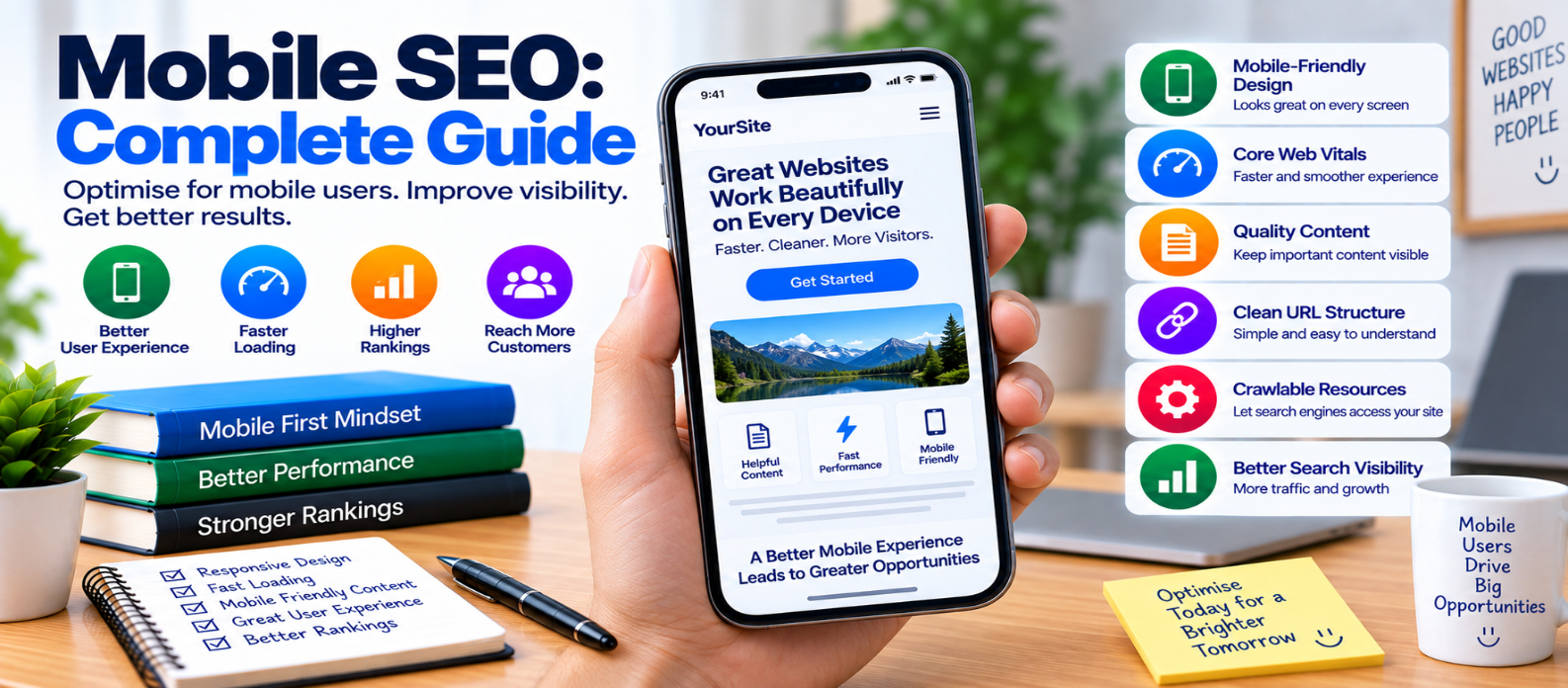
"Learn how to improve mobile SEO with responsive design, mobile-first content, Core Web Vitals, faster images, better navigation, usable forms, structured data, crawlability, and practical mobile optimization."
Mobile SEO: Complete Guide
A website can look excellent on a large desktop monitor and still provide a frustrating experience on a phone.
Text may be too small, navigation may become difficult, images may download at unnecessarily large sizes, buttons may sit too close together, or important content may disappear entirely.
Mobile SEO is the process of making your website easy for mobile visitors to access, navigate, understand, and use while ensuring search engines can properly crawl and process the mobile experience.
It isn't a separate version of SEO. Mobile usability should be part of your overall website strategy.
What Is Mobile SEO?
Mobile SEO covers the technical, content, and usability factors affecting people who access your website from smartphones and other smaller screens.
A mobile-friendly page should provide:
Readable Content
      +
Simple Navigation
      +
Fast Loading
      +
Usable Interactions
      +
Accessible Resources
The goal isn't simply to make a desktop page smaller.
The page should genuinely work well on a mobile device.
Understand Mobile-First Indexing
Google primarily uses the mobile version of website content for indexing.
That makes consistency important.
If desktop visitors receive:
Complete Article
Images
Internal Links
Structured Data
but mobile visitors receive a heavily reduced version missing important information, search engines may have less content available from the mobile experience.
Your important primary content should therefore remain available on mobile.
1. Use Responsive Web Design
Responsive design allows the same page to adapt to different screen sizes.
A basic viewport configuration commonly includes:
<meta name="viewport"
      content="width=device-width, initial-scale=1">
CSS media queries and flexible layouts can then adjust elements according to available space.
For example:
.container {
  width: min(100% - 2rem, 1200px);
  margin-inline: auto;
}
Avoid layouts that require users to repeatedly zoom or scroll horizontally just to read normal content.
2. Keep Mobile and Desktop Content Consistent
Don't remove valuable information solely because the screen is smaller.
Important elements may include:
- Main article text
- Descriptive headings
- Images
- Internal links
- Product information
- Videos
- Structured data
You can reorganize the presentation for mobile without deleting useful information.
For example, a desktop sidebar might become an expandable section below the article.
3. Improve Mobile Loading Performance
Mobile visitors may experience slower devices or network conditions than your development computer.
Start with high-impact improvements:
- Resize oversized images
- Compress images
- Remove unnecessary JavaScript
- Reduce unused CSS
- Cache static resources
- Improve server response
- Delay noncritical resources
- Limit unnecessary third-party scripts
Test actual pages rather than assuming a lightweight-looking design is fast.
4. Pay Attention to Core Web Vitals
Three important user-experience measurements are:
Largest Contentful Paint (LCP)
Measures how quickly the main visible content loads.
Large hero images, slow servers, and delayed resources can contribute to poor LCP.
Interaction to Next Paint (INP)
Measures page responsiveness to user interactions.
Heavy JavaScript and long main-thread tasks can delay feedback after taps and clicks.
Cumulative Layout Shift (CLS)
Measures unexpected visual movement.
Reserve space for images, ads, embeds, and other dynamic elements so content doesn't jump while users are reading.
Mobile optimization should consider all three rather than chasing one performance number.
5. Optimize Images for Mobile
A phone shouldn't necessarily download the same enormous image intended for a wide desktop display.
Responsive images can help browsers select an appropriate resource:
<img
  src="image-800.webp"
  srcset="image-480.webp 480w,
          image-800.webp 800w,
          image-1200.webp 1200w"
  sizes="100vw"
  width="800"
  height="500"
  alt="Example description">
Also:
- Compress images
- Choose appropriate formats
- Set dimensions
- Lazy-load suitable below-the-fold images
- Avoid lazy-loading the main LCP image when it needs immediate discovery
Image optimization improves both performance and usability.
6. Make Text Comfortable to Read
Visitors shouldn't need to pinch and zoom to read normal paragraphs.
Check:
- Font size
- Line spacing
- Paragraph width
- Contrast
- Heading scale
- Spacing between sections
Avoid squeezing desktop-sized tables or code examples into narrow screens without providing an appropriate responsive treatment.
7. Make Buttons and Links Easy to Tap
Mobile users interact with fingers rather than precise mouse pointers.
Avoid placing several tiny links extremely close together.
Important controls should have enough size and spacing to reduce accidental taps.
Pay special attention to:
Menus
Forms
Pagination
Close Buttons
Calls to Action
Navigation Links
Test them on an actual phone-sized viewport.
8. Simplify Mobile Navigation
Desktop navigation may have enough room for many visible menu items. Mobile screens do not.
A useful mobile navigation system should make important sections easy to reach without becoming confusing.
For example:
Menu
 ├── Tools
 ├── Blog
 ├── Guides
 └── About
Don't hide essential navigation behind interactions that fail when JavaScript is delayed or unavailable.
9. Avoid Intrusive Obstructions
Large overlays can make mobile pages frustrating.
Imagine opening an article and immediately seeing:
┌─────────────────┐
│                 │
│   GIANT POPUP   │
│                 │
└─────────────────┘
while the actual content is almost completely hidden.
Use banners, consent interfaces, promotions, and other overlays thoughtfully. When an interface is legally or functionally necessary, design it so visitors can understand and use the page without unnecessary difficulty.
10. Keep Important Resources Crawlable
Search engines may need access to CSS, JavaScript, and images to render and understand pages correctly.
Don't unnecessarily block important rendering resources through crawler controls.
A page that looks correct to users after rendering should also be technically accessible to crawlers where those resources are needed.
11. Keep Structured Data Consistent
If you use structured data, make sure it accurately represents the mobile page.
For example, article markup shouldn't describe important content that is absent from the mobile experience.
After redesigns or template changes, verify that structured data is still generated correctly.
12. Check Canonicals and Mobile URLs
Responsive websites normally use the same URL for desktop and mobile visitors, which simplifies many SEO signals.
If your website uses separate mobile URLs, implementation becomes more complex because relationships between desktop and mobile versions must be handled correctly.
Avoid creating unnecessary duplicate versions when responsive design can meet your needs.
13. Test Forms on Small Screens
Forms are easy to overlook.
Test:
- Input sizes
- Keyboard behavior
- Labels
- Error messages
- Autofill
- Password managers
- Submit buttons
- Multi-step forms
A technically functional form can still be frustrating if users cannot comfortably complete it on a phone.
Mobile SEO Checklist
Before publishing, check:
-
Responsive design works correctly
-
Mobile content matches important desktop content
-
Text is readable without zooming
-
Horizontal scrolling isn't required for normal content
-
Navigation is easy to use
-
Buttons and links are comfortably tappable
-
Images are appropriately sized
-
LCP resources are prioritized
-
JavaScript doesn't create slow interactions
-
Layout shifts are controlled
-
Important resources are crawlable
-
Structured data remains accurate
-
Canonical URLs are correct
-
Forms work on small screens
-
Important pages are tested on real mobile conditions
Conclusion
Mobile SEO connects technical SEO, performance, responsive design, content, and usability.
A strong mobile experience looks like:
Complete Content
       ↓
Responsive Layout
       ↓
Fast Loading
       ↓
Easy Navigation
       ↓
Responsive Interactions
       ↓
Better Mobile Experience
Start with responsive design and content consistency. Then improve images, JavaScript, Core Web Vitals, navigation, forms, and interactive elements.
Don't optimize mobile pages only to satisfy a testing tool.
Build them for the person holding a phone who wants an answer quickly, clearly, and without fighting the interface.
When your mobile website is fast, understandable, accessible, and easy to navigate, your technical SEO and user experience are working toward the same goal.
Get a Free Access To 200+ Free Tools:
|
Home Page |
|
|
Calculator Tools |
|
|
Text & Converter Tools |
|
|
PDF & Image Tools |
|
|
Games & Developer Tools |
|
|
Resume Builder |