
Passkeys Explained: The Future of Passwordless Login
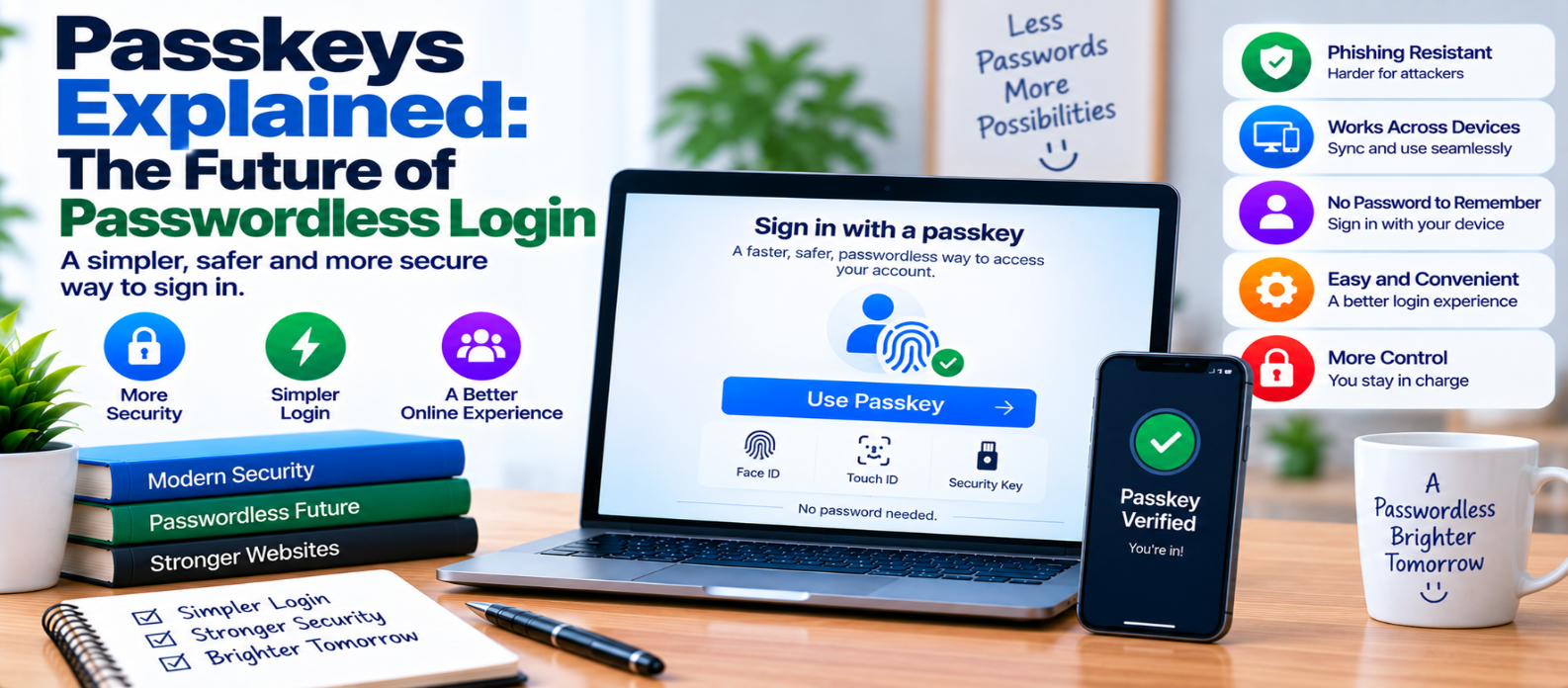
"Learn how passkeys work, how public-key cryptography enables passwordless login, why passkeys resist phishing, how device verification and syncing work, and what websites should consider when adopting passkey authentication."
Passkeys Explained: The Future of Passwordless Login
Passwords have protected online accounts for decades, but they come with familiar problems. People forget them, reuse them across websites, choose weak ones, and sometimes enter them into convincing phishing pages.
Passkeys offer a different approach.
Instead of requiring users to remember and send a reusable password, passkeys use public-key cryptography to authenticate them.
The result can be a login experience that is both easier to use and more resistant to common password attacks.
What Is a Passkey?
A passkey is a digital credential used to sign in to an account without relying on a traditional password.
When a passkey is created, the authentication system generates a cryptographic key pair:
Private Key
    +
Public Key
The website stores the public key.
The corresponding private credential remains under the user's control through their device, credential manager, security key, or supported ecosystem.
The website doesn't need to store a reusable password for that passkey.
How Does Passkey Login Work?
Suppose you create a passkey for an account.
During registration:
Website
   ↓
Requests Passkey Creation
   ↓
Authenticator Creates Key Pair
   ↓
Public Key → Website
Private Credential → User's Authenticator
Later, when you sign in, the website sends a cryptographic challenge.
Your authenticator uses the private credential to produce a response proving possession of the correct credential.
The website verifies that response using the stored public key.
The private key itself isn't sent to the website during authentication.
What Does Your Fingerprint or Face Do?
Passkeys are often unlocked using:
- Fingerprint
- Face recognition
- Device PIN
- Screen-lock password
This can create the impression that your fingerprint is being sent to every website.
That's generally not how the system is designed.
The local device or authenticator verifies you according to its security model and then allows the passkey credential to be used.
Conceptually:
Fingerprint / Face / PIN
          ↓
Local Device Verification
          ↓
Unlock Passkey
          ↓
Cryptographic Authentication
          ↓
Website
The website normally receives cryptographic authentication data—not your raw fingerprint or facial image.
Why Are Passkeys More Resistant to Phishing?
Traditional phishing often works by convincing someone to enter a password into a fake website.
A password can then be copied and reused.
Passkeys work differently because authentication is cryptographically associated with the legitimate website or application identity.
A credential registered for one site isn't simply a reusable secret that can be typed into another.
This makes properly implemented passkey authentication significantly more resistant to conventional credential-phishing attacks.
Passkeys vs Passwords
| Passwords | Passkeys |
|---|---|
| User remembers or stores a secret | Cryptographic credential is stored by an authenticator |
| Secret may be sent during authentication | Private key isn't sent to the website |
| Can be reused across sites | Credential is associated with a particular service |
| Can be typed into phishing pages | Designed to resist phishing |
| Server stores password verification data | Server stores a public key |
| Often needs manual entry | Can use device authentication |
Passkeys don't simply make passwords longer or stronger.
They change the authentication model.
Passkeys vs Two-Factor Authentication
Passkeys and 2FA aren't exactly the same thing.
Traditional 2FA might look like:
Password
   +
Authenticator Code
   ↓
Login
A passkey can instead provide passwordless authentication using cryptographic credentials and an authenticator.
Depending on the implementation and authenticator characteristics, passkey authentication can satisfy different authentication requirements without following the traditional password-plus-code workflow.
So a passkey shouldn't automatically be described as "the second factor."
It may replace the password-based login entirely.
Where Are Passkeys Stored?
Passkeys can be managed in different ways depending on the device and credential system.
Some credentials can be synchronized through supported credential-management ecosystems, allowing users to access them across compatible devices.
Other credentials may remain tied to a particular authenticator, such as a hardware security key.
This distinction matters for both convenience and recovery.
Users should understand how their chosen credential provider handles device changes, synchronization, and account recovery.
Signing In on Another Device
A common question is:
What happens if my passkey is on my phone but I want to sign in on another device?
Supported passkey systems can provide cross-device authentication mechanisms.
A nearby device containing the credential may help authorize the login using a secure protocol rather than transferring a reusable password.
The exact experience depends on the operating systems, browsers, devices, and credential providers involved.
What If You Lose Your Device?
Passwordless login still needs a recovery strategy.
Depending on the system, recovery might involve:
- A synchronized passkey on another device
- Another registered passkey
- A hardware security key
- A trusted account-recovery process
For important accounts, registering more than one suitable authenticator can reduce dependence on a single device.
Recovery must be designed carefully.
If passkey login is highly secure but account recovery is easy to hijack, attackers may simply target recovery instead.
Can Passkeys Be Stolen?
Passkeys reduce several password-related threats, but no authentication technology eliminates every security risk.
Potential concerns can still include:
- Compromised devices
- Weak device unlock security
- Account-recovery attacks
- Malware with sufficient privileges
- Social engineering around account management
- Poor server-side authorization
- Misconfigured authentication systems
Passkeys improve authentication security, but the rest of the application still needs secure design.
Benefits for Website Owners
Passkeys can reduce dependence on password infrastructure and some password-related support problems.
Potential advantages include:
Fewer reusable secrets
Users don't need to create another password for the passkey itself.
Phishing resistance
Passkeys are designed around website-bound cryptographic credentials.
No password database for passkey-only authentication
The server stores public-key information rather than a password-equivalent secret.
Simpler login experience
Users may authenticate using familiar device verification.
Reduced password reuse risk
There isn't a password for users to reuse across websites.
Should Websites Remove Passwords Immediately?
Not necessarily.
A practical migration may be gradual:
Passwords
   ↓
Offer Passkeys
   ↓
Encourage Adoption
   ↓
Improve Recovery
   ↓
Expand Passwordless Login
Website owners need to consider browser and device support, existing users, account recovery, multiple-device usage, accessibility, and support processes.
Passkeys should make authentication easier—not create a new way for users to become permanently locked out.
Passkey Implementation Checklist
For websites introducing passkeys:
-
Use established passkey/WebAuthn implementations
-
Verify authentication on the server
-
Bind credentials to the correct user account
-
Allow users to review registered passkeys
-
Support credential removal
-
Protect passkey-registration changes
-
Consider multiple authenticators
-
Design secure account recovery
-
Require appropriate verification for sensitive changes
-
Monitor important authentication events
-
Test cross-device scenarios
-
Keep authentication libraries maintained
-
Provide understandable instructions to users
Conclusion
Passkeys change online authentication from:
Remember Secret
      ↓
Send Password
      ↓
Server Verifies Password
to:
Unlock Authenticator
      ↓
Cryptographic Proof
      ↓
Server Verifies Public Key
That shift addresses several long-standing password problems, particularly password reuse and traditional credential phishing.
Passkeys aren't a replacement for authorization, secure sessions, account monitoring, or carefully designed recovery. But they provide a strong foundation for moving authentication away from reusable passwords.
The future of login may therefore involve remembering fewer secrets and relying more on device-protected cryptographic credentials that prove who you are without revealing a password at all.
Get a Free Access To 200+ Free Tools:
|
Home Page |
|
|
Calculator Tools |
|
|
Text & Converter Tools |
|
|
PDF & Image Tools |
|
|
Games & Developer Tools |
|
|
Resume Builder |