
Why Is My Website Not Ranking on Google? 13 Reasons and How to Fix Them
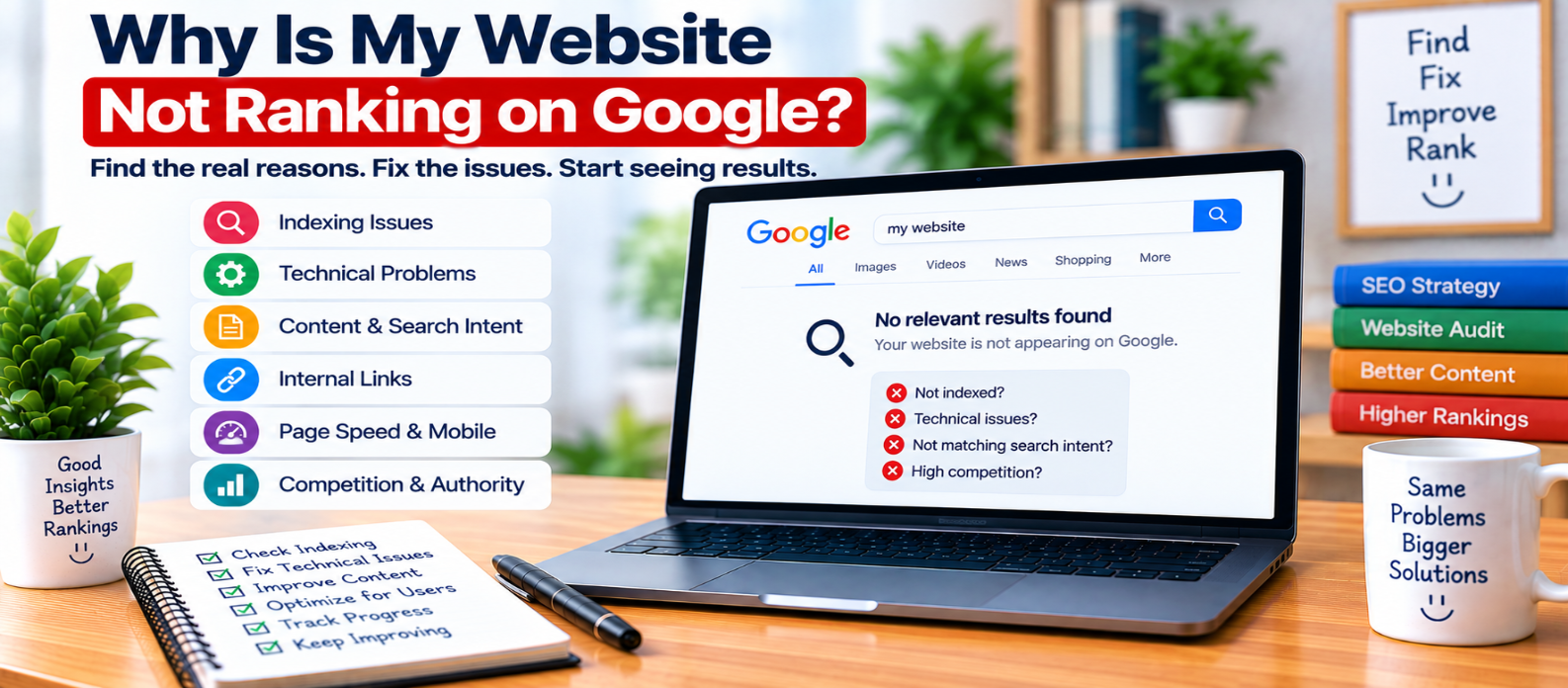
"Find out why your website may not be ranking on Google by checking indexing, noindex directives, robots.txt, canonical URLs, search intent, content quality, internal links, mobile usability, performance, competition, and other common SEO problems."
Why Is My Website Not Ranking on Google?
You publish useful pages, wait for Google to discover them, and then search for your target terms—but your website seems nowhere to be found.
The tempting reaction is to change everything at once: rewrite titles, add more keywords, publish more articles, or start building links.
A better approach is to diagnose the problem first.
A website can fail to appear prominently in Google for very different reasons. It might not be indexed, the page may target the wrong search intent, competitors may provide stronger answers, or Google may simply have limited signals about a new site.
Here's how to investigate systematically.
1. First Ask: Is the Page Indexed?
Ranking and indexing are different.
A page generally needs to be indexed before it can appear in normal organic search results.
Use Google Search Console's URL Inspection feature to check an important URL.
If the page isn't indexed, investigate issues such as:
noindexdirectives- Crawl restrictions
- Incorrect canonical URLs
- Server errors
- Redirects
- Duplicate pages
- Weak internal discovery
Don't spend hours rewriting keywords when the actual problem is that the page isn't eligible to appear.
2. Check for an Accidental Noindex Directive
A page can explicitly tell search engines not to index it.
For example:
<meta name="robots" content="noindex">This can happen when a development or staging setting remains enabled after launch.
Check important pages individually rather than assuming the entire website has the same configuration.
3. Check Your Robots.txt Rules
A robots.txt file can restrict crawling.
For example:
User-agent: *
Disallow: /
This broadly tells compliant crawlers not to crawl the site.
Not every ranking problem comes from robots.txt, and blocking crawling is not the same thing as using noindex. Still, accidental crawl restrictions should be among your technical checks.
4. Make Sure Google Sees the Correct Canonical URL
Suppose you want this page indexed:
example.com/seo-guide/but its canonical points elsewhere:
<link rel="canonical"
      href="https://example.com/another-page/">
That sends a signal that another URL is the preferred version.
Check canonical tags when an important page is missing from search or Google appears to prefer a different URL.
5. Determine Whether You Actually Have a Ranking Problem
A page doesn't need to rank first to be visible.
Check Search Console for:
- Impressions
- Clicks
- Queries
- Pages
- Countries
- Devices
- Average position
If a page receives impressions, it is already appearing for some searches.
Your real problem may be low visibility, not complete absence.
That distinction changes what you should work on.
6. Check Search Intent
One of the biggest content problems occurs when a page answers a different question from the one searchers are asking.
Consider:
Query: "HTML formatter"If most people want to paste HTML into a working formatter, a 3,000-word history of HTML may not satisfy that need.
Similarly:
Query: "what is HTML formatting"may be better served by an explanation.
Before rewriting a page, identify what someone making the search is actually trying to accomplish.
7. Ask Whether the Page Adds Enough Value
Being indexed doesn't guarantee strong rankings.
Compare your page against the needs of the searcher.
Does it provide:
- A direct answer?
- Accurate information?
- Practical examples?
- Clear instructions?
- Useful visuals where appropriate?
- Troubleshooting advice?
- A functioning tool if the query needs one?
More words aren't automatically more valuable.
A concise page that solves the problem can be more useful than a long article filled with repetition.
8. Check Whether Several Pages Compete for the Same Intent
Imagine publishing:
How to Speed Up a Website
How to Make Your Website Faster
How to Improve Website Speed
Website Speed Optimization Guide
If all four pages provide essentially the same answer, you've created substantial overlap.
Instead of automatically creating another article, decide whether closely overlapping pages should be differentiated, improved, consolidated, or redirected where appropriate.
Each important page should have a clear purpose.
9. Improve Internal Discovery
Important pages shouldn't exist in isolation.
For example:
SEO Guide
   ↓
Technical SEO
   ↓
Crawling and Indexing
   ↓
XML Sitemap Guide
Relevant internal links help users discover deeper resources and help crawlers navigate your site.
Check whether important pages are linked from relevant sections rather than existing as orphan pages.
10. Check Page Quality on Mobile
A technically indexable page can still provide a poor experience.
Review it on an actual mobile-sized screen.
Look for:
- Tiny text
- Broken layouts
- Oversized images
- Difficult navigation
- Buttons that are hard to use
- Content hidden behind intrusive overlays
- Horizontal scrolling
Your content may be strong, but visitors still need to be able to use it comfortably.
11. Investigate Performance Problems
A slow page isn't automatically prevented from ranking, but serious performance problems can make the site frustrating.
Check for:
- Very large images
- Excessive JavaScript
- Slow server responses
- Layout shifts
- Render-blocking resources
- Unnecessary third-party scripts
Optimize for a better real-world experience rather than chasing a perfect performance score.
12. Consider How New the Website Is
A new website may simply have limited search signals and a small amount of discovered content.
There is no universal waiting period after which rankings automatically appear.
Instead of looking for a guaranteed timeline, watch the progression:
Discovered
    ↓
Crawled
    ↓
Indexed
    ↓
Impressions
    ↓
Relevant Queries
    ↓
Clicks
These signals tell you more than repeatedly searching for your own website.
13. Don't Ignore Competition
Some searches have many strong pages competing for visibility.
If you're targeting an extremely broad query such as:
web developmentthe challenge is very different from answering a specific question such as:
how to center a div with CSS GridDon't assume lack of top rankings means something is technically broken.
Sometimes the query is simply competitive, and your page needs a clearer purpose, stronger usefulness, or more recognition.
Website Ranking Troubleshooting Checklist
Check these in order:
-
Is the page accessible?
-
Is it indexed?
-
Is
noindexpresent accidentally? -
Is crawling restricted?
-
Is the canonical correct?
-
Is the page receiving impressions?
-
Does it match search intent?
-
Does it provide enough useful information?
-
Are multiple pages targeting the same intent?
-
Are relevant internal links present?
-
Does the page work properly on mobile?
-
Are serious performance problems present?
-
Is the target query highly competitive?
Conclusion
When a website isn't ranking, don't immediately assume you need more keywords, more articles, or more backlinks.
Diagnose the problem in layers:
Crawlable?
    ↓
Indexable?
    ↓
Indexed?
    ↓
Matching Intent?
    ↓
Useful Enough?
    ↓
Easy to Discover?
    ↓
Competitive Enough?
    ↓
Monitor and Improve
The solution depends on where the process breaks.
Find the actual bottleneck first. Then fix that problem instead of making random SEO changes and hoping rankings improve.
Get a Free Access To 200+ Free Tools:
|
Home Page |
|
|
Calculator Tools |
|
|
Text & Converter Tools |
|
|
PDF & Image Tools |
|
|
Games & Developer Tools |
|
|
Resume Builder |